RedM documentation
Murphy's Housing
Features
MLO Properties
Register mapped buildings, doors and accessible management and storage points.
Prepare the building
An MLO property uses a building already present on the world map. Install and start its mapping first. Check that the intended physical doors exist and that a separate door-lock resource is not also controlling them.
The inspected creation command is /create_mlo, configured by Config.Commands.CreateMLOMenu. Use the command name and administrative access configured on your server.
Create and place the property
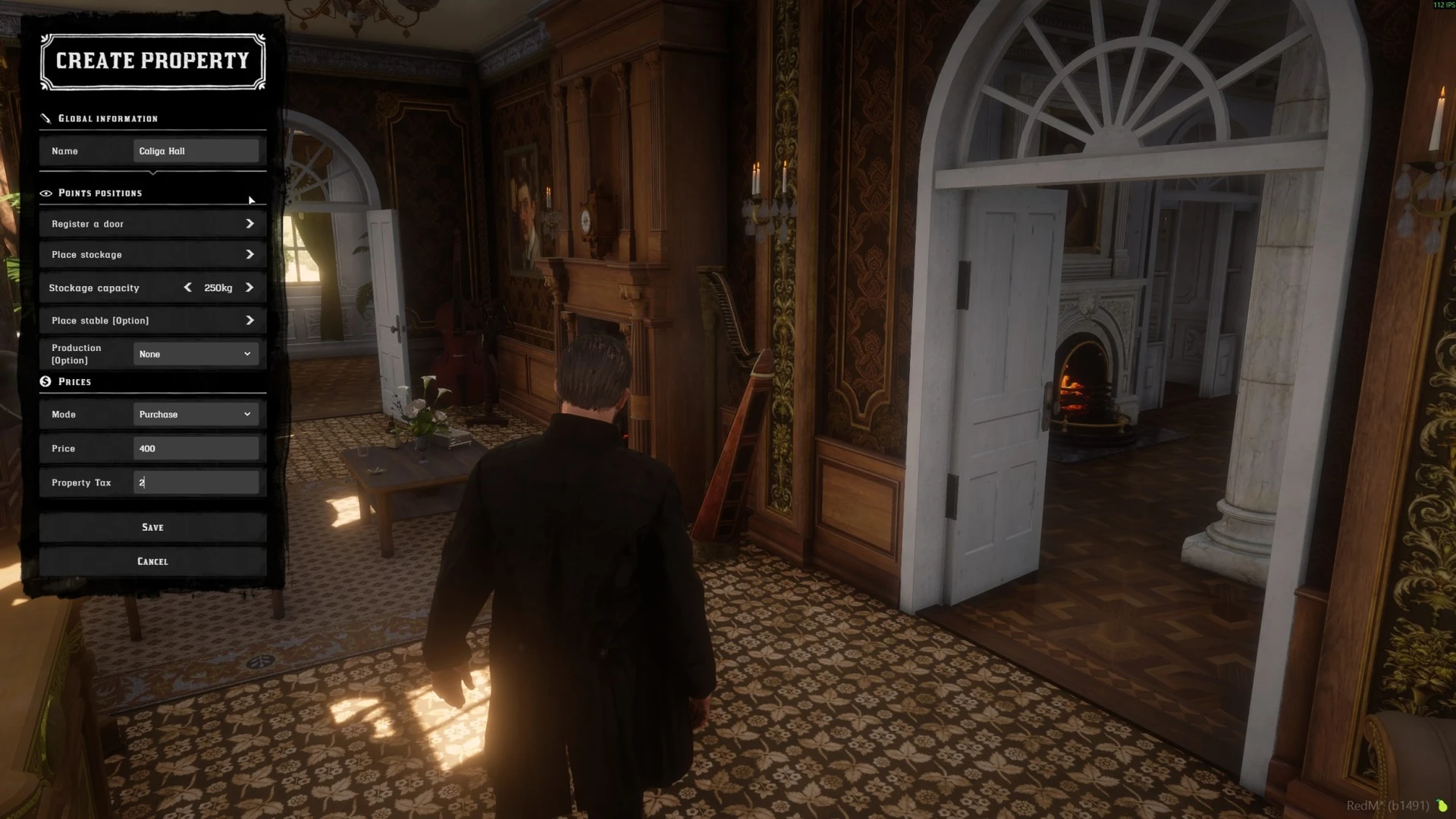
Existing storefront capture. Optional fields visible in the recording depend on installed integrations.
Fill in the property's identity, mode, price, tax and capacity. Register its doors, then place the management and storage points using the game's displayed placement controls. Check each point is reachable before saving.
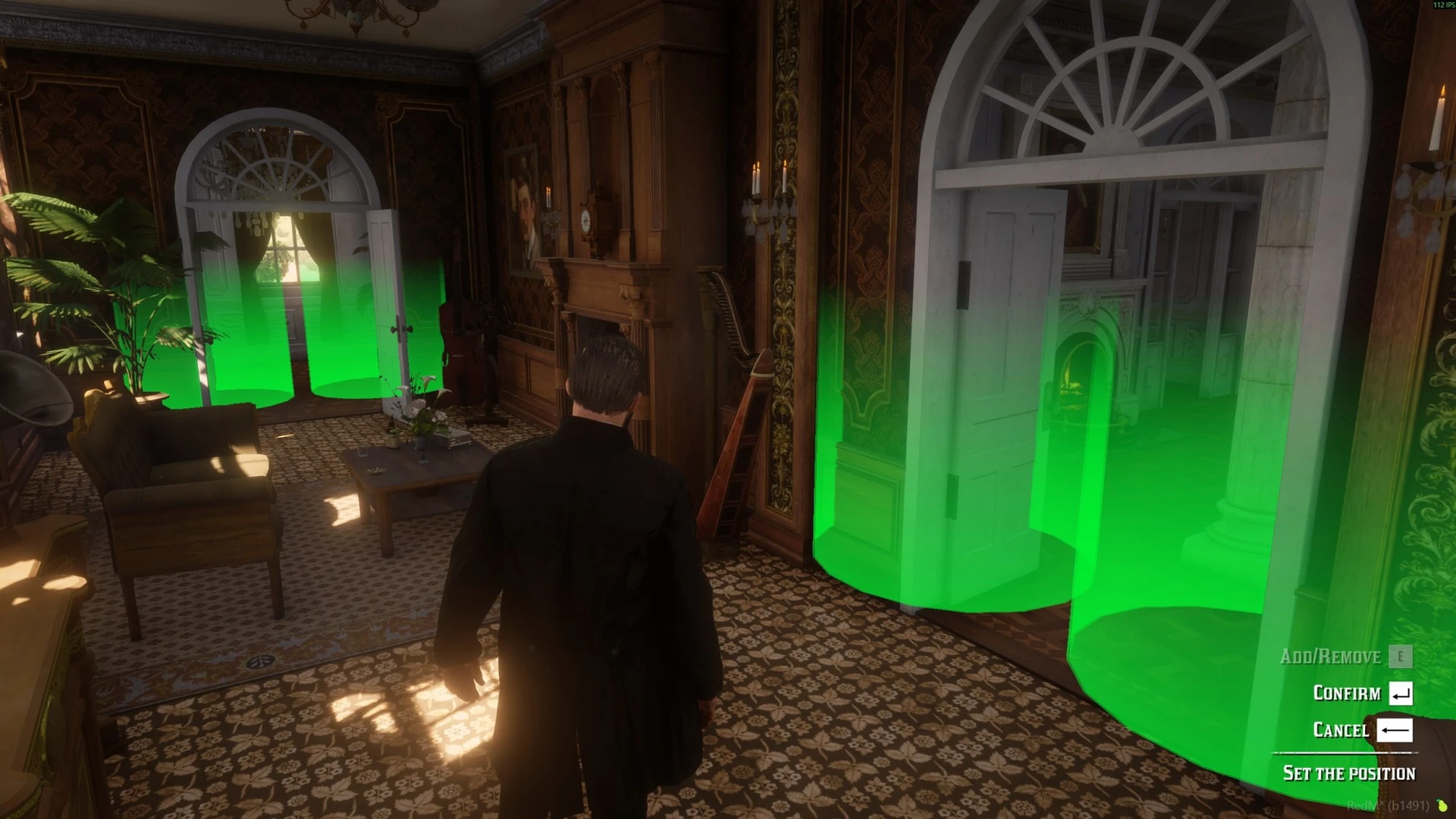
Placement demonstration from the public gallery. Use the prompts in the installed release for exact controls.
Test all access paths
Verify purchase/rental, each registered door's locked and unlocked states, management access and storage. Repeat with an owner, a guest with only limited rights, and an unrelated player. Reconnect and verify that the property remains associated with the correct character.
Double-door handling is configured by Config.DoubleDoorRadius in the inspected source. Check both leaves of a double door after changing it; do not assume unrelated nearby doors should always follow one another.
MLO-specific limits
Furniture decoration in the inspected implementation is restricted to instanced interiors. Registering an MLO does not turn its mapped furniture into editable Housing props. This limit is established for the reviewed 1.35.1 implementation; check the release notes and package for changes in later versions.
The MLO storage capacity follows the framework inventory. VORP 1.38.1 treats it as a number of slots, even if an older configuration comment or recorded screen uses weight wording. See Access and Storage.
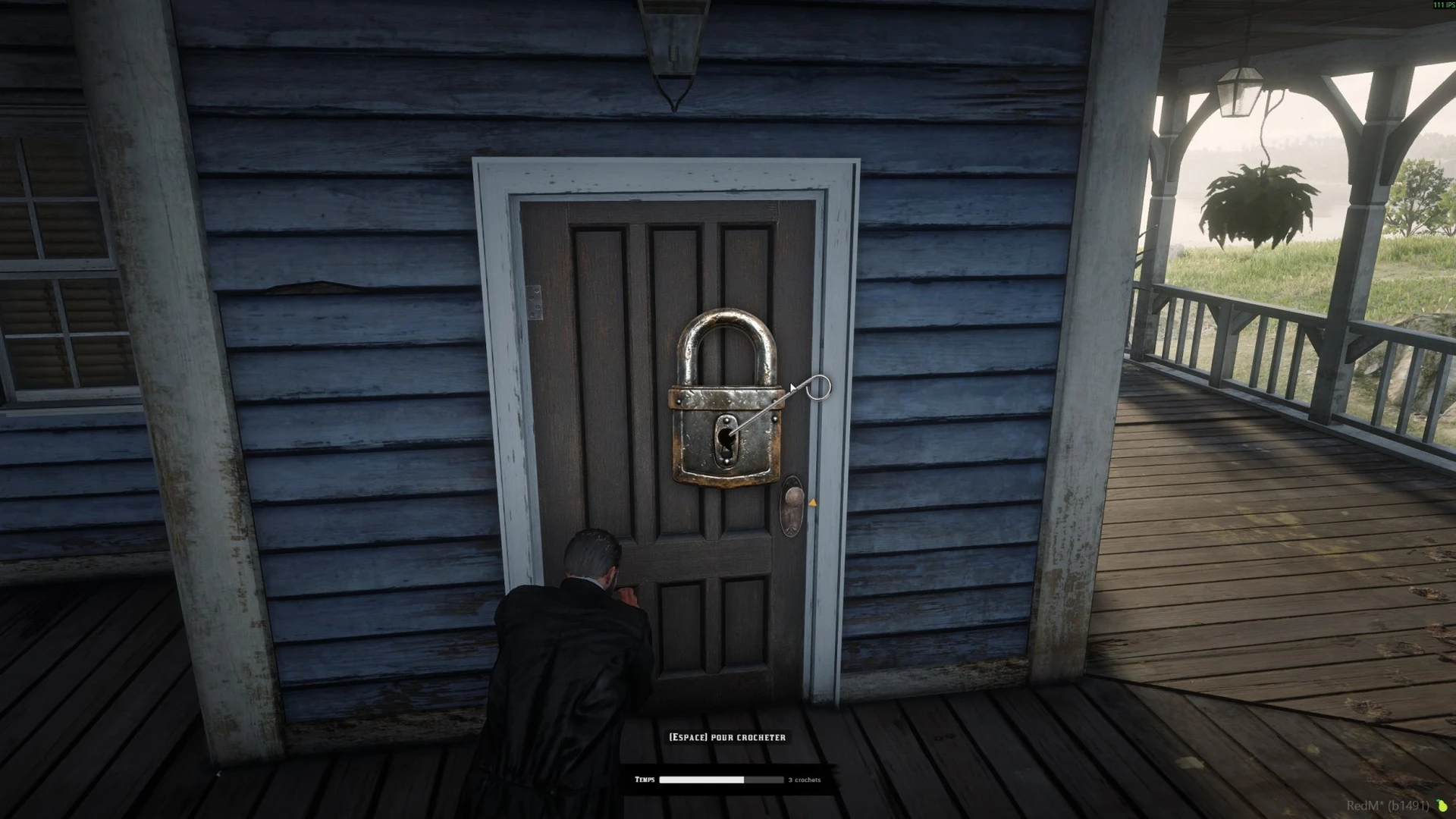
Public Housing recording. The minigame's appearance depends on the configured integration; this is not a screenshot of the separate free Lockpick package.
Last updated: September 10, 2026