RedM documentation
Murphy's Housing
Features
Instanced Properties
Create and verify an instanced property with its interior template and exterior entrance.
Understand templates and properties
An interior template describes the inside of a building. A property is a particular exterior entrance and ownership record using that template. Multiple properties can share a template while remaining isolated in separate instances.
Before creating the property, verify the mapping required by the template is installed. An exterior doorway and template coordinates alone do not load missing mapping assets.
Create a test instance
Use the configured creation command from Config.Commands.CreateInstanceMenu; the inspected default name is /create_instance. Staff access comes from the configured administrative groups.
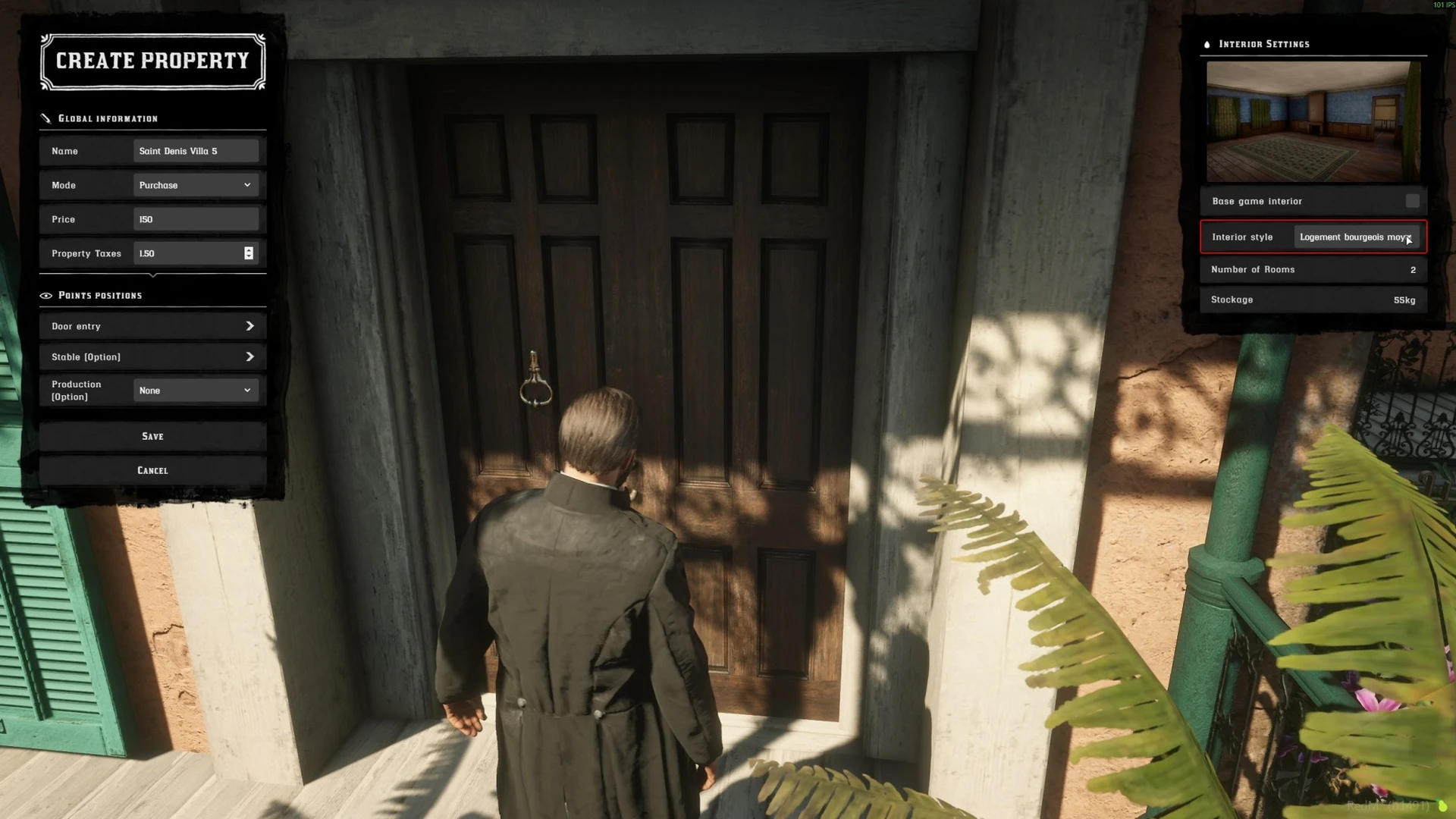
Existing storefront capture. Template names, controls and prices may differ from your installed version.
- Choose a clear exterior entrance and open the instance creation menu.
- Enter the property name and choose purchase or rental.
- Select an installed interior template and review its capacity and price/tax settings.
- Place the entrance and any supported additional points using the on-screen placement prompts.
- Review and save the property.
Do not configure an optional integration point unless the corresponding resource and workflow are installed on your server.
Verify as a player
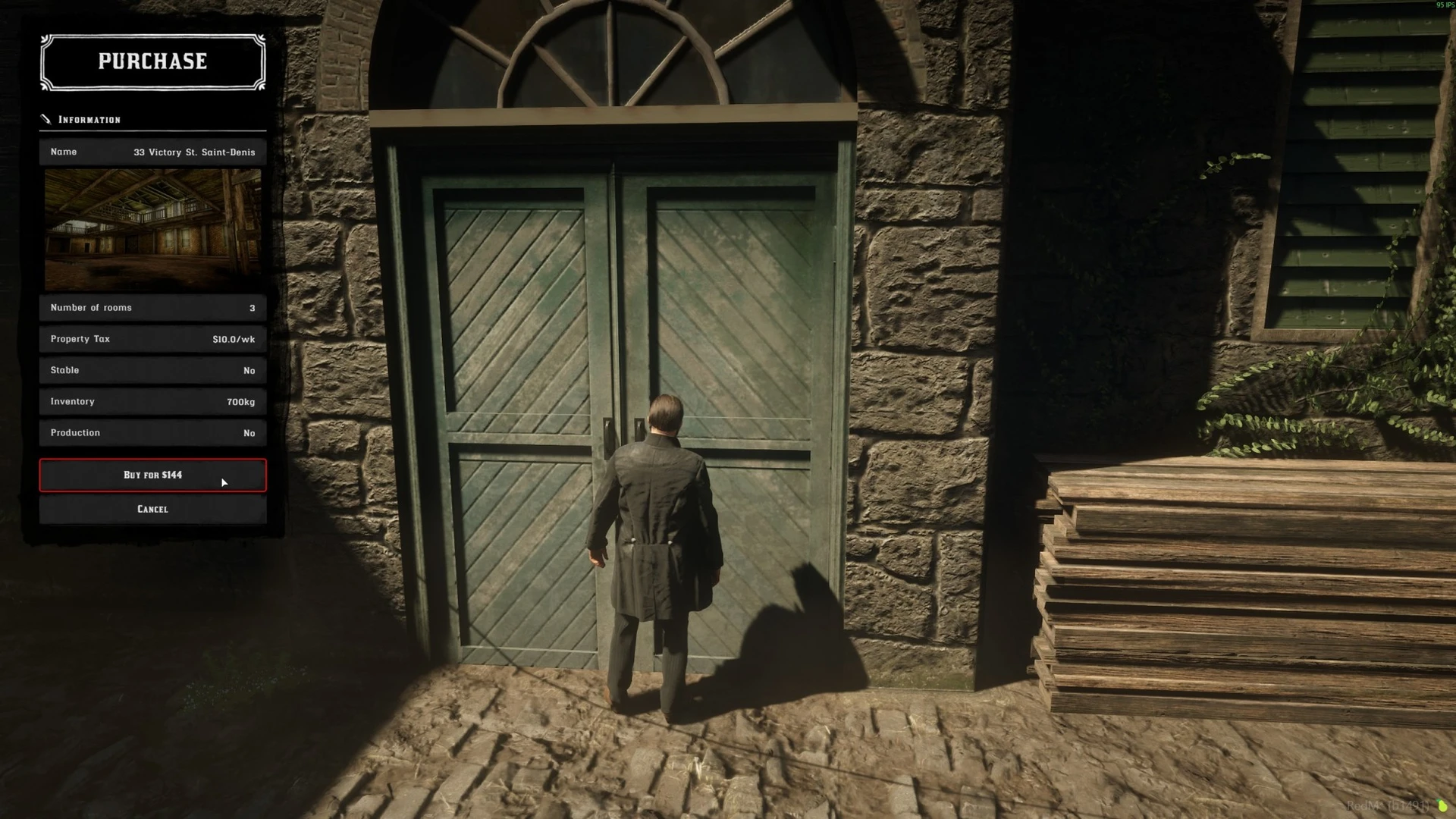
The pictured property and amounts are demonstration data, not required configuration values.
Open the property's offer at the entrance. Check the name, purchase/rent mode, currency and tax before buying or renting with a test character. Enter, return outside, reconnect and enter again. Use a second character to verify that another property's instance is separate even when both use the same template.
If visits are enabled in Config.Visit, test the visit before purchase. The timed visit must return the prospective buyer outside, without giving access to owner actions or storage.
If entry fails
Record whether the failure happens before teleporting, while loading the interior, or when returning outside. Check mapping availability and the template's interior entry and management points. Inspect Common Issues before changing routing buckets or deleting a property record.
Last updated: September 10, 2026