RedM documentation
Murphy's Creator
Features
Character Creator
Creator: Follow character creation with real storefront screenshots of identity, appearance, hair and clothing controls.
Create a character
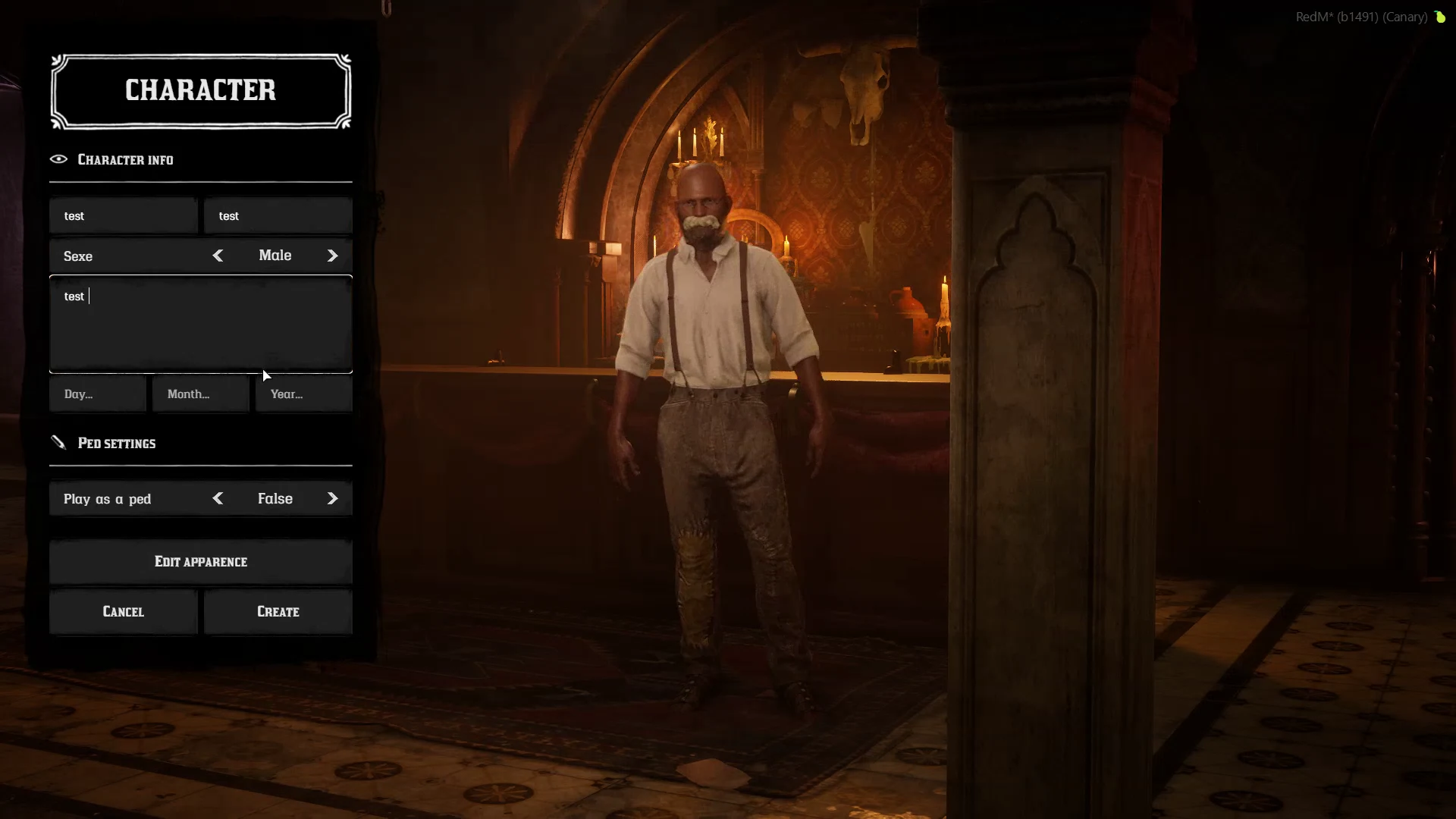
Murphy's Creator provides character creation for RedM. Start with an available slot in the character selection screen, complete the identity information, then open appearance editing.
/mc is an appearance reload command when configured through Config.LoadSkinCommand. It is not the entry point for a new character.
Identity and appearance are separate steps
The character form contains identity information and the action that opens appearance editing. Review the information before creating the character.
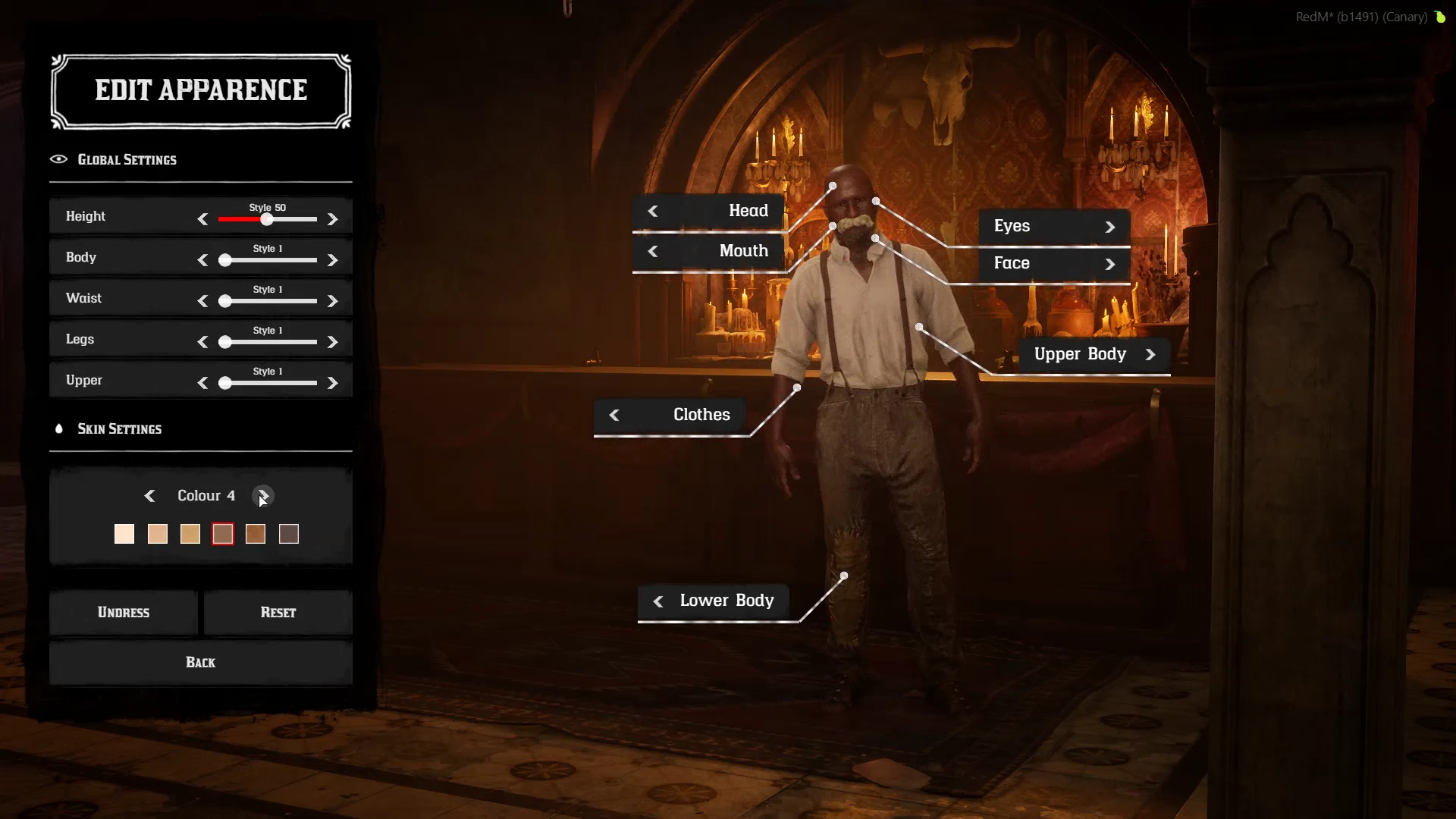
In appearance editing, the left panel contains general body and skin settings. The on-character controls open the head, eyes, mouth, face, and body areas.
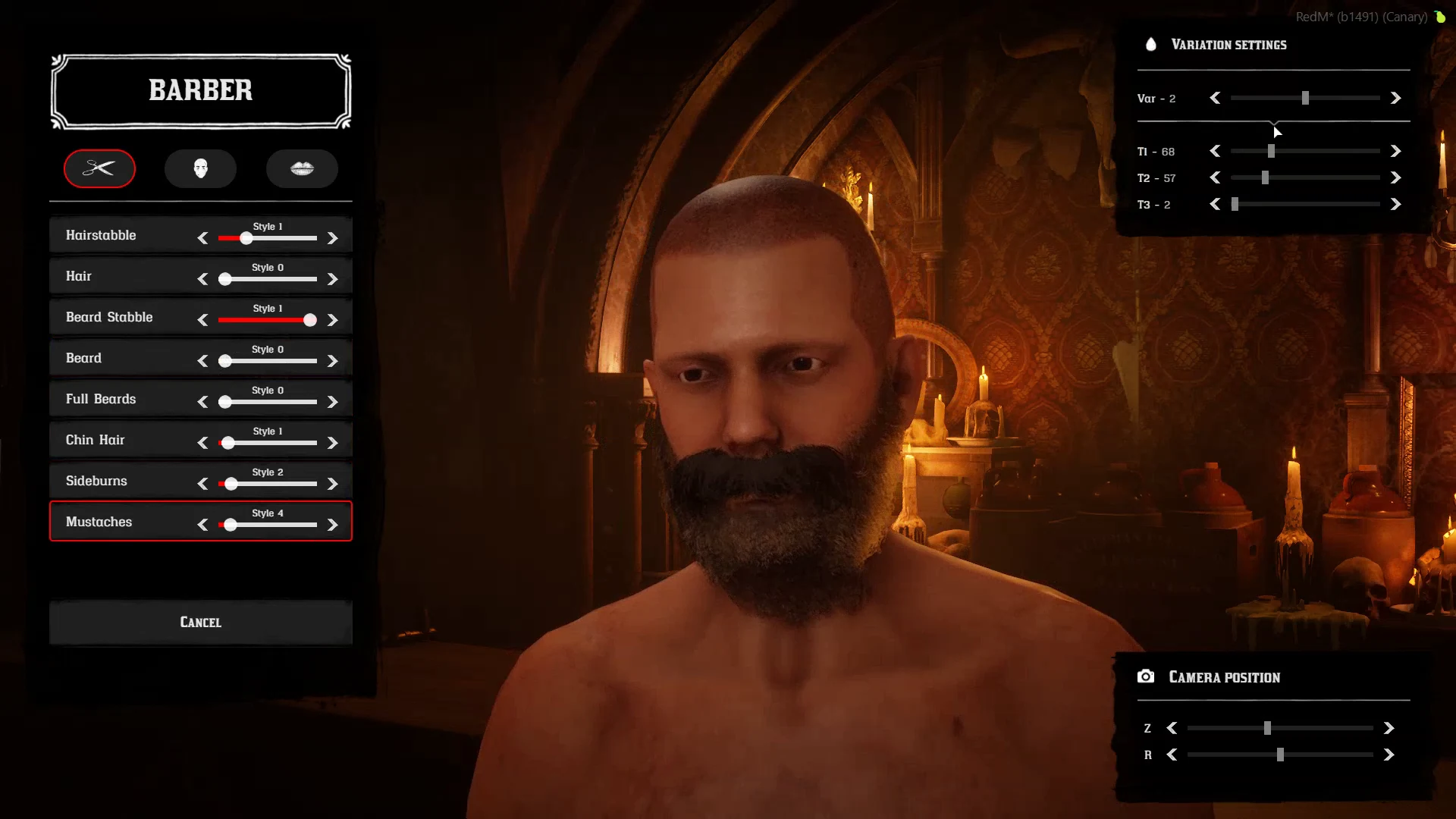
Hair and clothing
Creator supports integration with Murphy's Barber and Murphy's Clothing. They are sold separately. Their available categories depend on the installed resources and the character model.
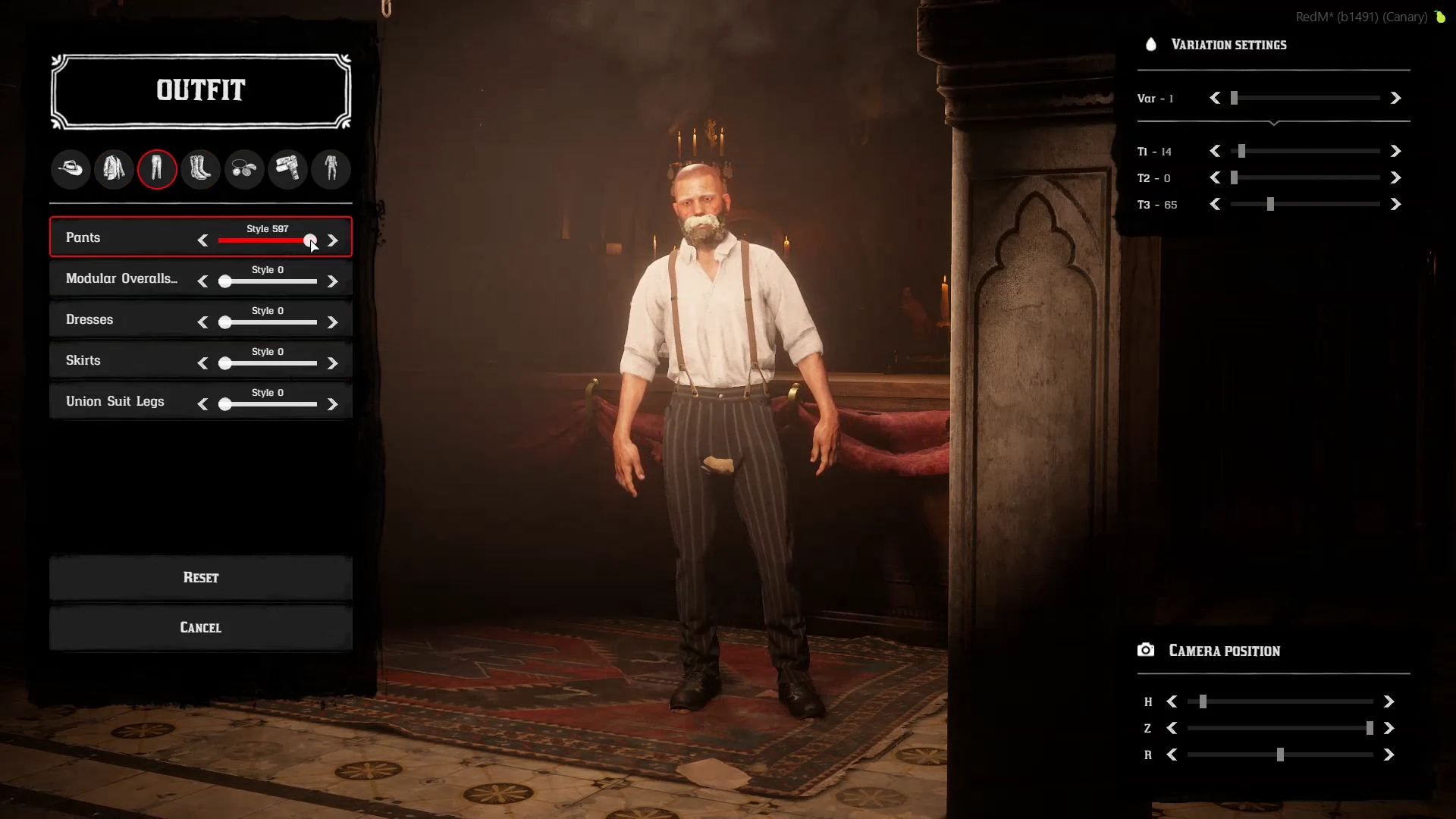
Enable Config.murphy_clothing only when using the Clothing integration. See Configuration.
Finish and check the result
- Review the identity information and appearance.
- Complete the creation flow shown by your server.
- Check the character after entering the world.
- Reconnect and verify the saved appearance before opening the server to players.
To edit an existing character, use Second Chance. If a preview is missing or shows the wrong outfit, consult Known issues before changing stored character data.
About these screenshots
These are actual frames from the Creator video on the store. The recording does not identify a plugin version or framework. It illustrates the interface shown in that demo; it does not establish the exact interface or compatibility of every release.
Last updated: September 9, 2026