RedM documentation
Murphy's Interact
Getting Started
Controls and Visibility
Display nearby interactions and select actions.
Display nearby interactions
Approach an interaction point and hold E to show its available actions. For an object or character, look toward the target as you approach it.
Select an action
The selected row is marked in the menu. Use your server's selection controls to move between options, then confirm the highlighted action. Follow the controls configured on your server if it uses customized bindings.
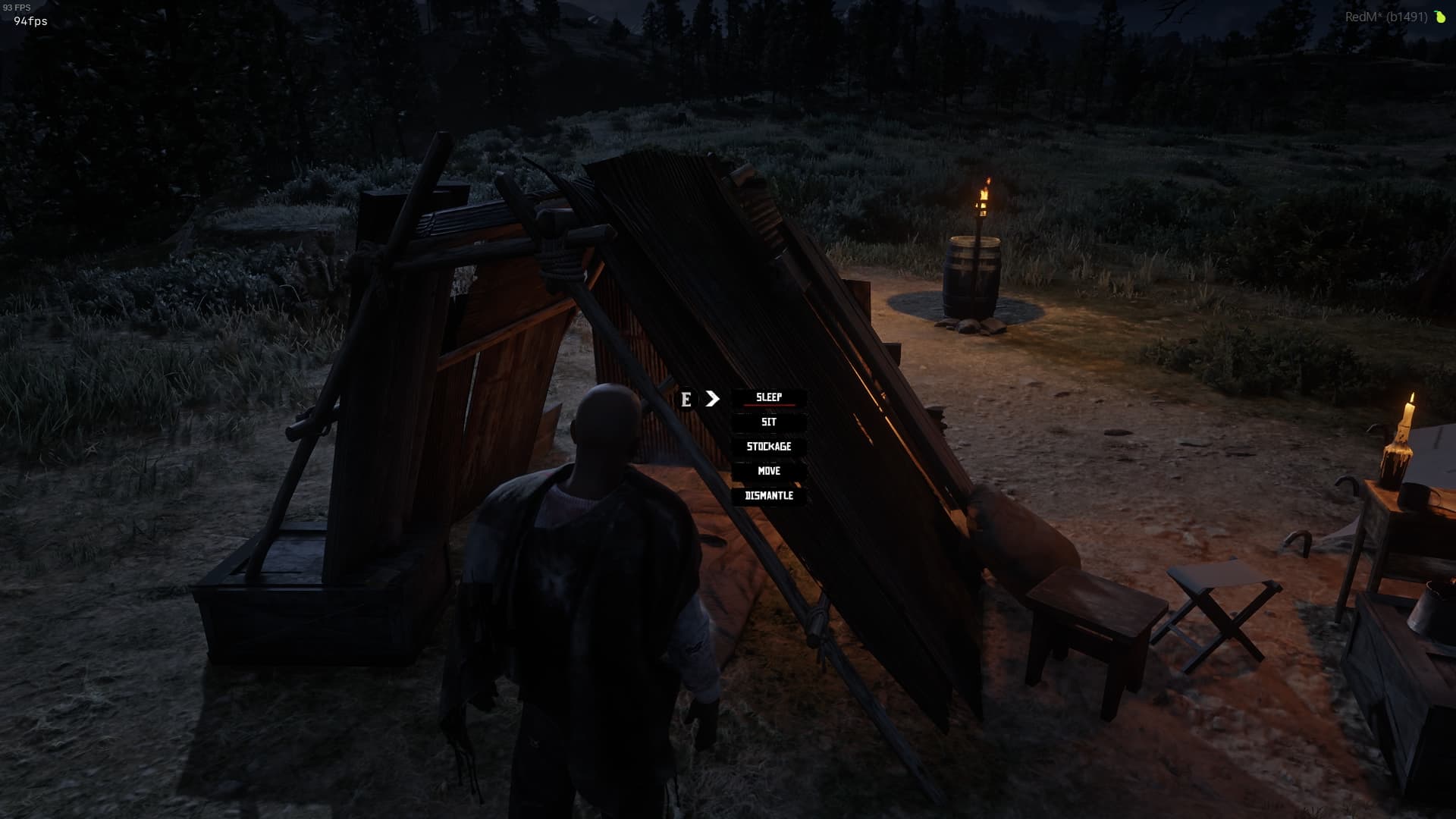
Move into range
A visible interaction marker helps you locate a target. Move closer to display or activate its actions. When several targets are nearby, face the one you want and move toward it.
Always-visible interactions
Some interactions are configured by the resource using Interact to appear without holding E. You still need to be close enough to select an action.
When menus are hidden
Menus can be hidden while another interface is open, while the player is dead, in a vehicle or handcuffed. These behaviors are controlled by the visibility settings.
If a menu does not appear in normal play, follow Interaction problems.
Last updated: September 15, 2026