RedM documentation
Murphy's Housing
Features
Decoration
Place and save instance furniture, understand costs, limits and functional props.
Open the instance decoration editor
Decoration in the inspected implementation applies to instanced interiors. Use a property owned by the test character or grant the appropriate decoration permission. Enter the property and open its furnishing interface.
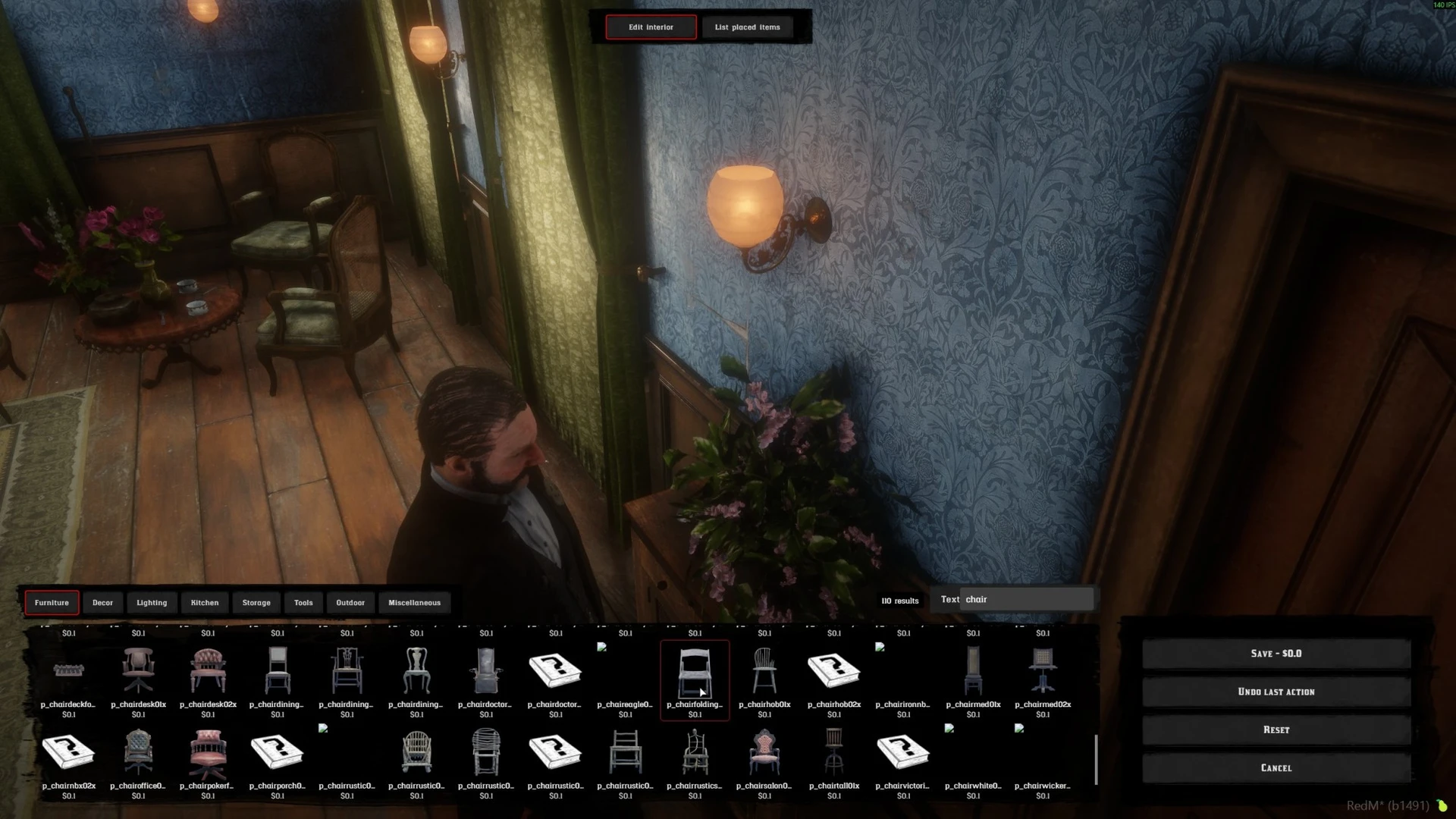
Public gameplay capture showing the furniture catalogue. Available models and category contents can differ by release and server configuration.
Choose a category, select a prop and place it with the editor. Use the displayed controls to move, rotate or otherwise adjust the selection. Check the prop from the player's normal viewpoint before saving: an object that looks correct from the editing camera can obstruct a doorway or be difficult to select later.
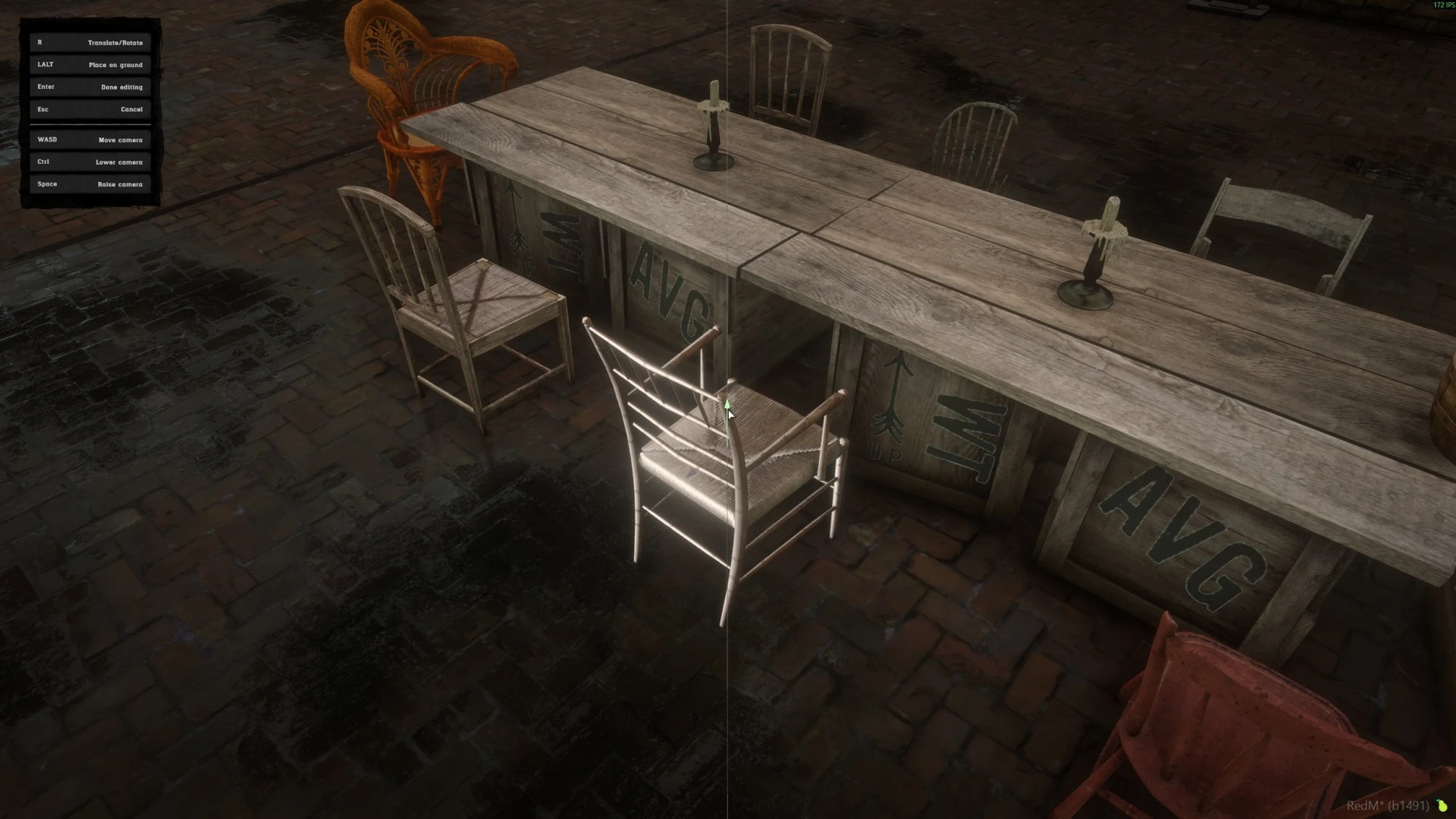
Existing gallery image. It illustrates placement, not a claim that this is the newest editor layout.
Saving, cost and refunds
Review the save action and its displayed cost before confirming. The inspected pricing code groups models by configured furniture categories. A reduced decoration value uses the Housing refund policy, which is separate from selling the property itself.
Config.HousingRefundRate and Config.RefundRate therefore serve different purposes. Check them independently. Do not assume removing furniture refunds the entire original amount.
After a test save, leave the instance and return, then reconnect. Confirm the same layout loads and any payment matches the expected change. A visible preview does not prove the save completed.
Saved layouts and limits
The store advertises saved and clonable interior layouts. Use them with compatible templates and review their resulting cost and prop count before applying. Copying a layout is not a guarantee that objects fit another interior.
The inspected source distinguishes the maximum props placed in a property from the maximum catalogue items displayed per category. If a prop is absent from a category, check filters and catalogue limits before increasing the property's placed-prop limit.
Functional props
A decorative stove or chest does not automatically provide a crafting or inventory system. Config.FunctionalProps attaches an interaction to a configured model and calls an effect implemented by another resource. That resource must exist and validate its server actions. See Developer API.
Check the selected template, total props and cost when applying a saved layout. The screenshots above show catalogue and placement workflows.
Last updated: September 10, 2026