RedM / FiveM documentation
Murphy’s Platform
Monitoring and insights
Player activity
Review joins, disconnects, moderation, economy, and supported in-game events.
Player activity is a chronological feed of events received from the server and Platform workflows.
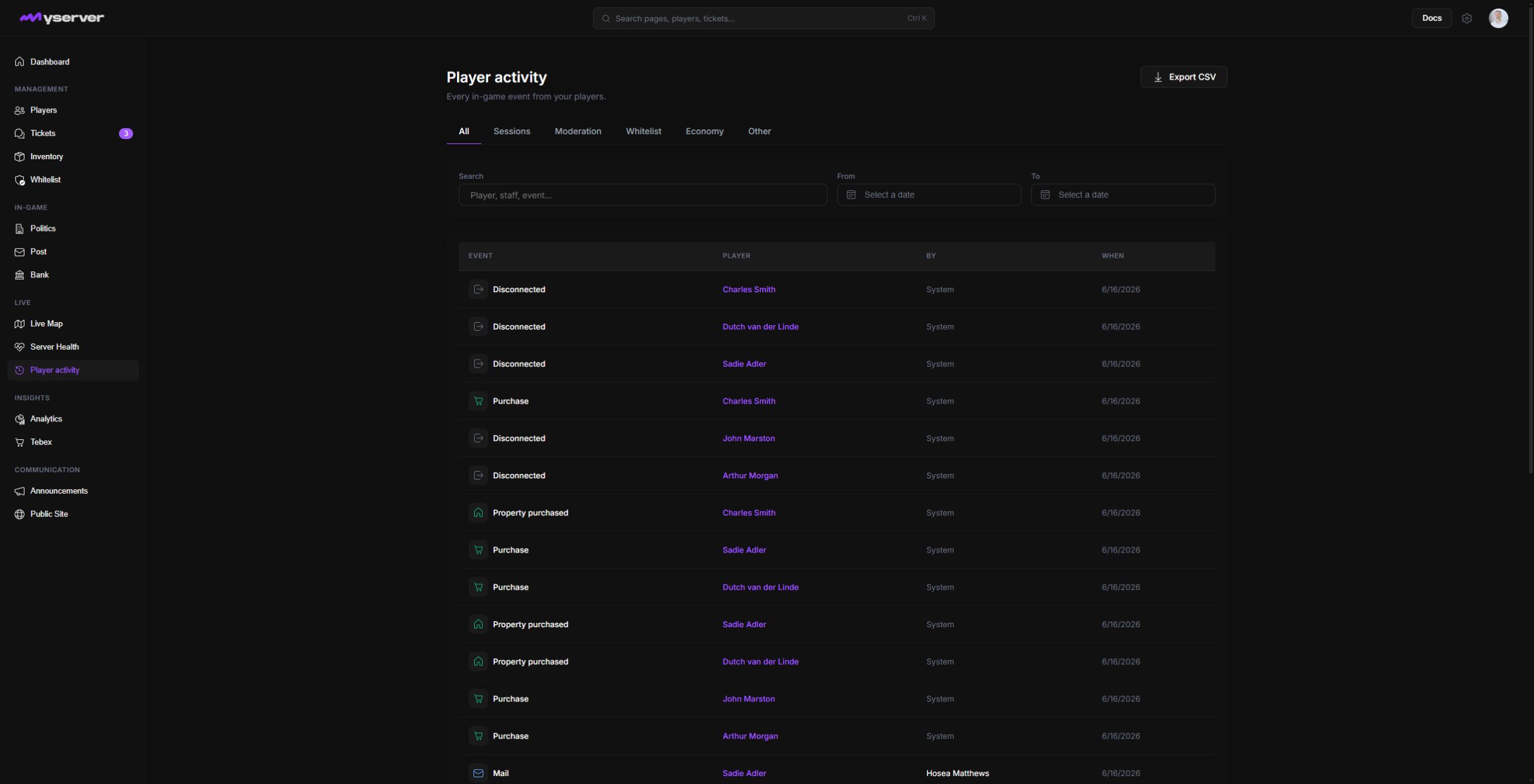
Filter the timeline and follow the evidence
Use All, Sessions, Moderation, Whitelist, Economy, and Other, then combine search with the From and To date controls. Export CSV downloads the currently relevant history for offline review.
Each record provides the event type, affected player or character, timestamp, and contextual details available from the producer. Click a player-linked row to open that player's profile and continue the investigation with their sessions, moderation, economy, and in-game tabs.
Start with the known player, character, action, or time window. Open the linked profile when you need the broader history.
Compare activity events with ticket notes, moderation actions, server health, and Discord context before reaching a conclusion.
Retention and completeness
Retention depends on the plan and server configuration. A missing event can mean the producer was not installed, the staff role cannot view the category, the event predates retention, or the sync failed.
Use Logs for Platform-side configuration and staff audit events. Use Player activity for the player and game event timeline.
Last updated: September 11, 2026