RedM / FiveM documentation
Murphy’s Platform
Administration
General settings
Control server identity, language, URL, opening hours, and related defaults.
General settings define how the workspace and connected server are identified.
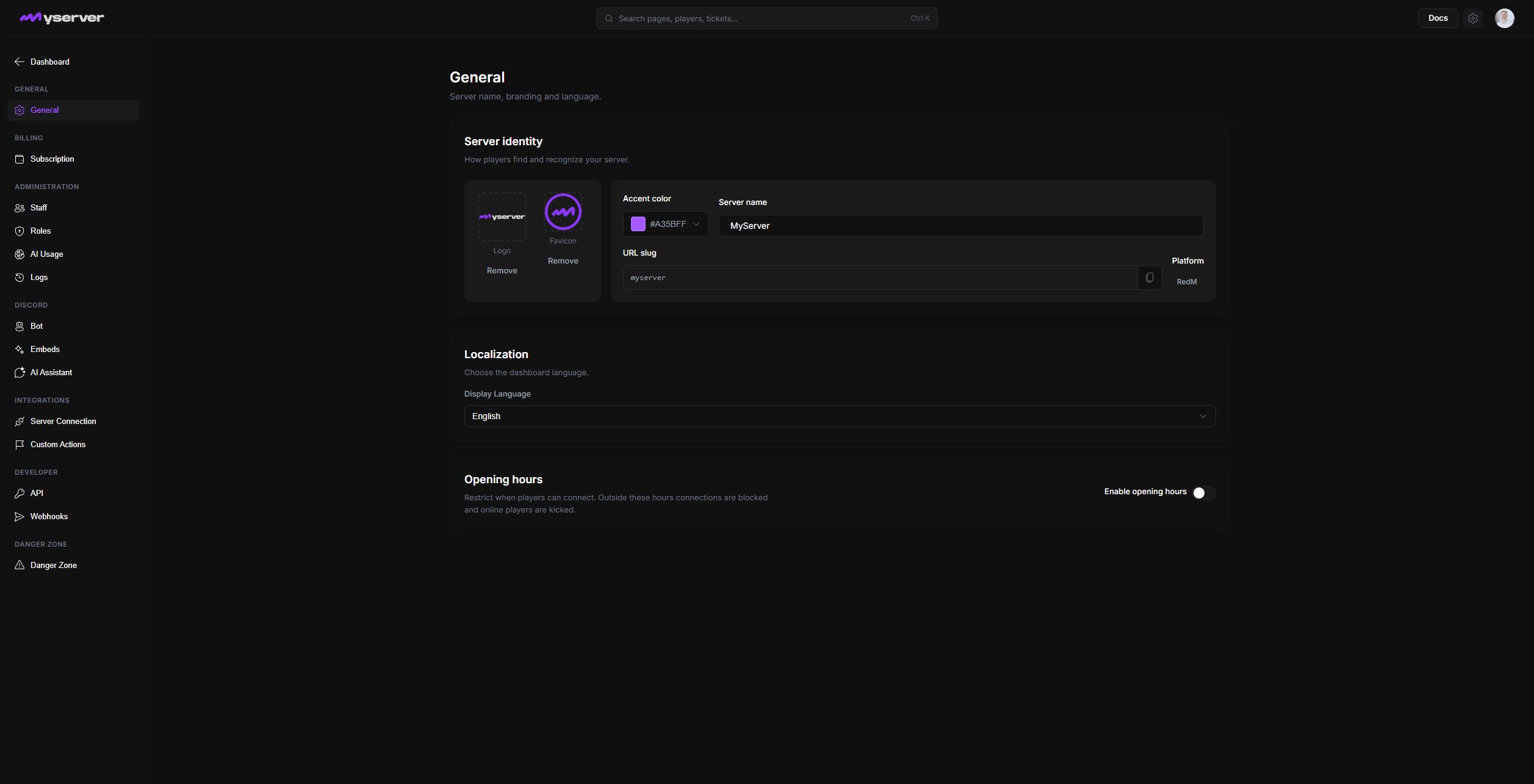
Set the server identity and workspace language
Set the display name, logo, favicon, and accent color. The platform type and URL slug identify the existing workspace and may be restricted after creation.
Use assets that remain legible in the dashboard navigation and browser tab.
The display language controls supported Platform interface translations for the server workspace. Individual user or browser settings can affect the final locale where supported.
Configure opening hours
Opening hours can restrict when players connect. Outside the configured schedule, new connections can be blocked and online players can be removed according to the selected behavior.
Confirm the server timezone, overnight periods, and exceptional maintenance before enabling enforcement. Test the schedule with staff access still available.
After saving, reload the dashboard and confirm the navbar, server selector, public surfaces, in-game menu, and live server behavior all reflect the intended value.
Last updated: September 11, 2026