RedM documentation
Murphy's Radial Menu
Reference
Integrations
Configure the public Clothing and Craft integrations with their version requirements.
Clothing
The supplied Clothing integration builds actions from the character's currently worn items. A missing garment action can simply mean that the player is not wearing that garment or that the asset has no supported variation.
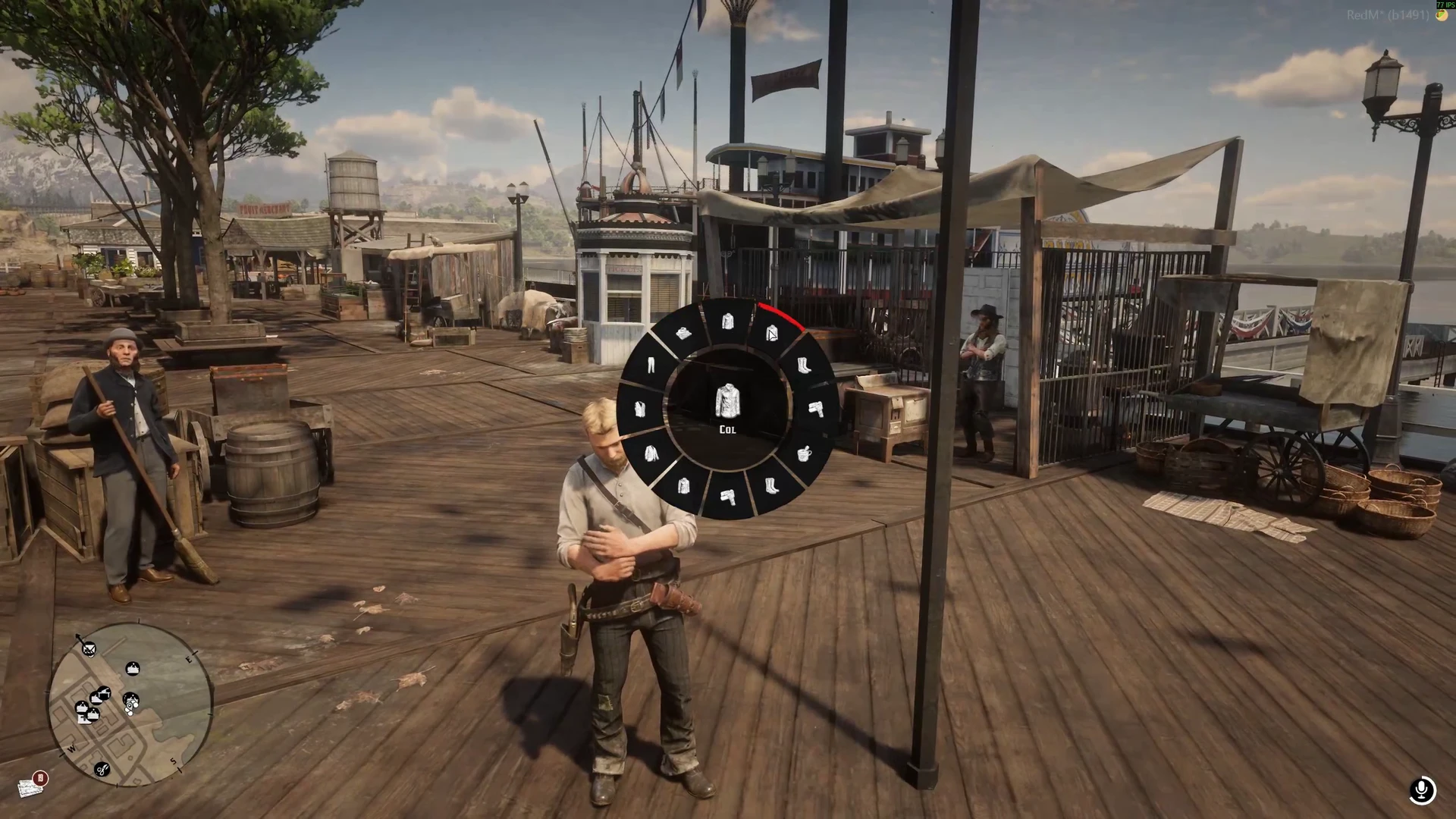
Storefront video, 00:04.500. This recording illustrates the interaction; it does not show the later 1.1.0 grouping.
The public 1.1.0 changelog groups actions by garment: shirt, vest, neckwear and boots can open their own submenus. /radial clothing and Config.DirectMenuKeys provide direct access to the clothing menu. It requires murphy_clothing 3.45.2 or later for the companion clothing fixes.
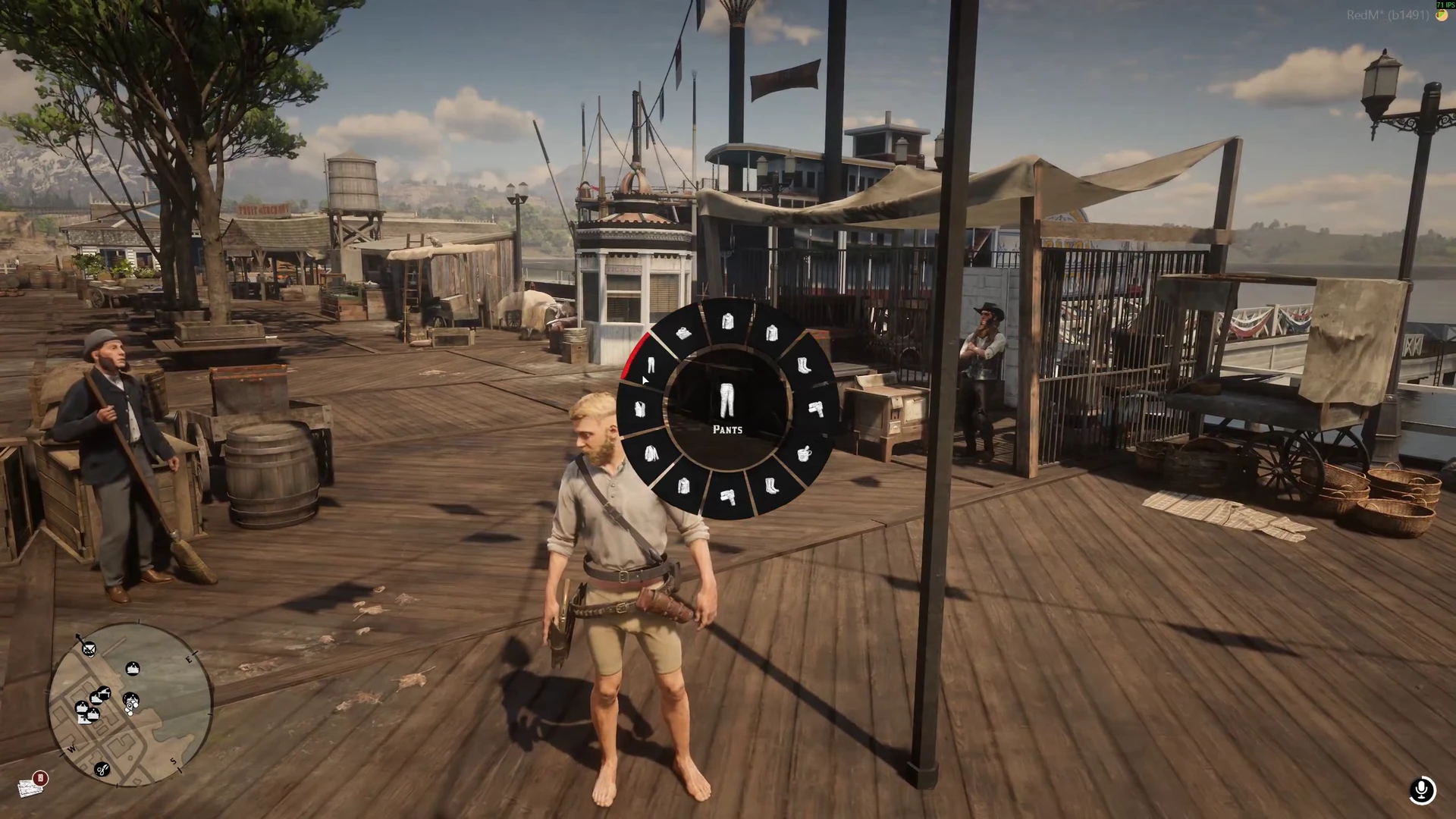
Storefront video, 00:16.000. The selected entry is Pants; the visible state reflects the recorded player's preceding actions.
Check the integration flag in Config.Integrations and that Clothing is started. Test supported actions with a known multiplayer outfit, then test the specific NPC/custom asset combination your server uses. Not every neckwear asset supports a raised state.
Craft
The supplied Craft integration adds an action when the target resource is started. It connects to Craft; the wheel does not define recipes, tools, jobs or specializations by itself. Verify Craft's installed configuration and permissions when an opened recipe or station is unavailable.
The integration files are loaded before client/client.lua, which builds the initial menu catalogue. Preserve the manifest's load order when adding a new static integration.
Custom resources
For a permanent integration, follow the public resource's integrations/_shared.lua helpers and load your integration before the core. For a separate resource, use runtime exports and restart handling.
Test the intended target resource, arguments and execution side; a resource name matching an example is not proof it implements that action.
Verify your integration
Test garment submenus and a Craft action with your installed versions. The store video shows an earlier flat clothing layout; the 1.1.0 grouped menus are described above.
Last updated: September 10, 2026