RedM documentation
Murphy's Job
Features
Job System
How job mechanics work
Overview
Murphy's Job provides a flexible job management system for server owners, allowing dynamic job assignments, multiple job grades, and automatic job mechanics.
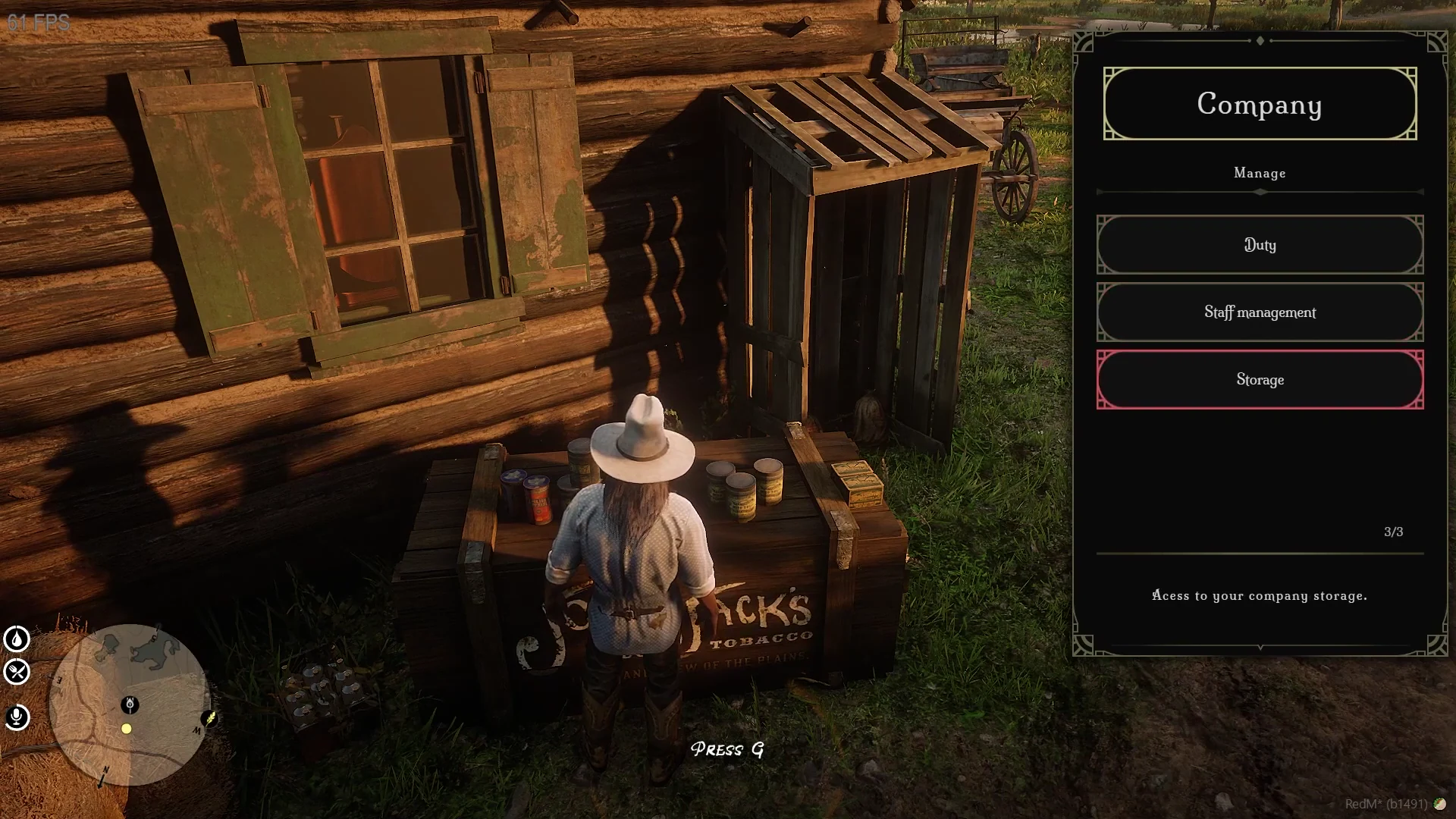
Source: storefront demonstration. These images show the source presentation; interface details and displayed values may differ in your installed version. Select an image to enlarge it.
Job Assignment
Jobs in Murphy's Job can be configured and assigned through the configuration file. Server owners can:
- Define multiple job types
- Set specific vehicle and package requirements
- Configure delivery zones
Job Grades
Each job supports multiple grade levels, which can determine:
- Pay rates
- Access to specific job functions
- Permission levels within the job
Example Configuration
Job Mechanics
Delivery System
- Automatic vehicle spawning
- Package generation
- Dynamic delivery point creation
- Interactive job completion markers
Salary System
- Configurable salary timer (default 120 seconds)
- Optional banking integration
- Per-grade salary rates

Configuration Options
Key configuration settings in config.lua:
- Framework selection
- Salary timing
- Stash weight
- Lockpicking options
Job Refresh
Jobs automatically reset upon completion or manual termination. Players can:
- Complete delivery routes
- Return vehicles to spawn point
- Receive payment based on performance
Important Notes
- Ensure compatible framework is selected
- Configure job routes carefully
- Test job mechanics thoroughly before deployment
Last updated: September 9, 2026