RedM documentation
Murphy's Job
Features
Delivery
Delivery job mechanics
Job Overview
Murphy's Delivery Job allows players to earn money by picking up and delivering packages using a designated work carriage.
Starting the Job
- Players receive a work carriage at a predefined spawn location
- Packages are automatically loaded into the carriage
- Navigation markers guide you through delivery points
Package Mechanics
- Each job includes multiple packages to deliver
- Packages can be picked up and carried manually
- Use the interaction key (default: G) to interact with packages
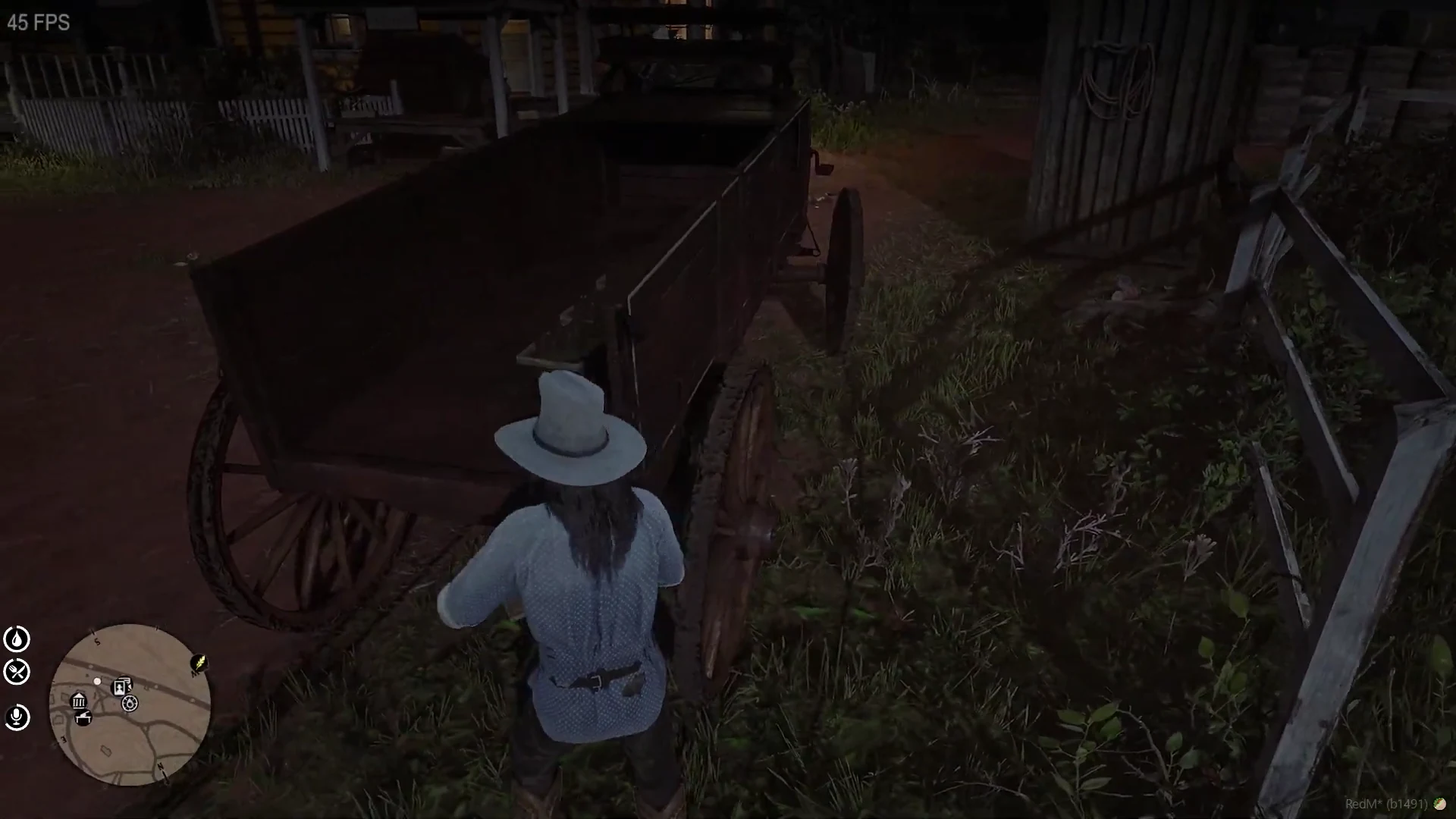
Source: storefront demonstration. These images show the source presentation; interface details and displayed values may differ in your installed version. Select an image to enlarge it.
Delivery Process
- Enter the work carriage
- Navigate to delivery locations
- Collect packages from the carriage
- Deliver packages to specified drop-off points
- Return the carriage to the original spawn point
Key Controls
[ENTER]- Pick up/drop off packagesG- Interact with packages and complete objectives
Configuration Options
Tips
- Follow navigation markers carefully
- Ensure packages are delivered to the correct locations
- Return the carriage to complete the job
Last updated: September 9, 2026