RedM documentation
Murphy's Craft
Crafting System
Recipes
This comprehensive guide explains how to create and configure craft categories and recipes.
Table of Contents
- File Structure
- Creating a Category
- Creating Recipes
- Recipe Parameters Reference
- Resources Configuration
- Specialization System
- Job-Locked Crafting
- Crafting Tables Configuration
- Complete Examples
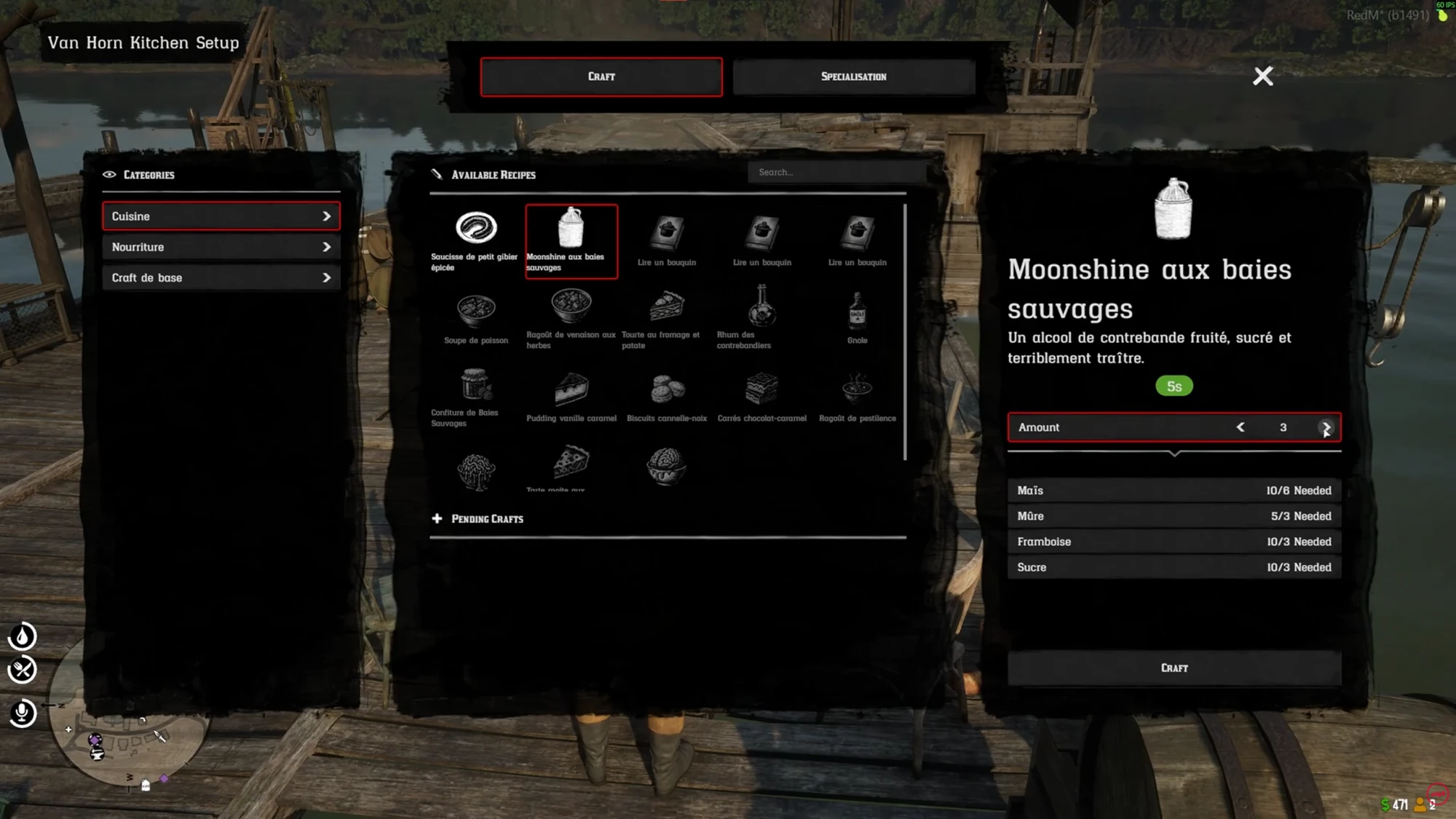
Source: storefront gallery. These images show the source presentation; interface details and displayed values may differ in your installed version. Select an image to enlarge it.
File Structure
All craft categories are defined in Lua files located in:
Each file typically contains one category. The file is automatically loaded by the resource.
Existing files:
basic.lua- Basic recipes accessible everywherecuisinier.lua- Cooking recipesdocteur.lua- Medical recipesarmurier.lua- Gunsmith recipesbricoleur.lua- Tinkering recipesrecyclage.lua- Recycling recipesfood.lua- Food recipes
Creating a Category
Basic Structure
Parameters
| Parameter | Type | Required | Description |
|---|---|---|---|
category_id |
string | Yes | Unique identifier for the category (used in config) |
name |
string | Yes | Display name shown in the UI |
job |
string | No | Restrict entire category to a job |
jobgrade |
number | No | Minimum grade required (requires job) |
recipes |
table | Yes | Array of recipe definitions |
Example - New Category File
Create a new file: shared/craft/mining.lua
Creating Recipes
Basic Recipe Structure
Multiple Output Items
You can output multiple different items:
Recipe Parameters Reference
| Parameter | Type | Required | Default | Description |
|---|---|---|---|---|
tree_ref |
string | Yes | - | Reference to specialization node ("root" for base) |
xp |
number | No | 0 | XP gained when crafting this recipe |
name |
string | Yes | - | Display name of the recipe |
freeaccess |
boolean | No | false | If true, accessible without specialization unlock |
image |
string | Yes | - | Path to the item image |
desc |
string | No | "" | Description shown in the UI |
duration |
number | Yes | - | Crafting duration in seconds |
amount |
number | Yes | - | Quantity produced per craft |
item |
string/table | Yes | - | Output item name or table of items |
ressources |
table | Yes | - | Array of required materials |
job |
string | No | nil | Required job to see this recipe |
jobgrade |
number | No | nil | Minimum job grade required |
Resources Configuration
Each resource in the ressources array requires:
Example with Multiple Resources
Specialization System
The specialization system allows players to unlock recipes by progressing through a skill tree.
How it Works
tree_ref- Links a recipe to a specialization nodefreeaccess- If true, recipe is available without unlocking the nodexp- XP gained contributes to specialization progression
Tree Reference Values
| Value | Description |
|---|---|
"root" |
Base node, always accessible if freeaccess = true |
"node1", "node2", etc. |
Requires unlocking that node in the specialization tree |
"branch1_node1" |
Nested nodes in specialization branches |
Recipe Accessibility
Job-Locked Crafting
Restrict categories or recipes to specific jobs.
Category-Level Lock
Recipe-Level Lock
Behavior Rules
| Category Job | Recipe Job | Result |
|---|---|---|
| Not set | Not set | Everyone can access |
"doctor" |
Not set | Only doctors (inherits from category) |
| Not set | "doctor" |
Only that recipe restricted |
"doctor" |
"sheriff" |
Recipe overrides to sheriff only |
See JOB_LOCK_GUIDE.md for detailed job-locking documentation.
Crafting Tables Configuration
Define where categories are accessible in shared/config.lua:
Adding a Crafting Table
Crafting Table Parameters
| Parameter | Type | Required | Description |
|---|---|---|---|
name |
string | Yes | Display name and blip label |
cat |
table | Yes | Array of category IDs available here |
coords |
vector3 | Yes | World coordinates |
radius |
number | Yes | Radius where crafting menu is accessible |
blip |
table/nil | No | Blip configuration, nil for no blip |
Basic Categories (Accessible Everywhere)
In shared/config.lua:
Complete Examples
Example 1: Simple Cooking Category
Example 2: Job-Restricted Category
Example 3: Mixed Access Category
Quick Reference Card
Minimal Recipe Template
Minimal Category Template
Troubleshooting
Recipe Not Showing
- Check if
freeaccess = trueis set (if you want it immediately available) - Verify the
tree_refnode is unlocked iffreeaccessis false - Check job requirements match player's job exactly
- Ensure the category is added to a
CraftingTablein config
Category Not Showing
- Verify category ID is added to
catarray inConfig.CraftingTables - Check if job requirements are met
- Ensure at least one recipe in the category is accessible
Items Not Given
- Verify
itemname matches your inventory system - Check
amountis greater than 0 - Review server console for errors
Tips & Best Practices
Naming Convention: Use lowercase with underscores for
category_idanditemnames (e.g.,"health_tonic")
Images: Use the
nui://protocol to reference images from your inventory resource
Testing: Enable
Config.Debug = trueinshared/config.luato see detailed logs
Balance: Consider crafting duration and resource costs for game balance
Job Names: Must exactly match your framework's job identifiers
Last updated: September 9, 2026