RedM documentation
Murphy's Clothing
Features
Clothing Menu
How to use the clothing customization system
Overview
Murphy's Clothing system allows you to customize your character's appearance through a comprehensive clothing management interface.
Menu Navigation
- Open the menu using the
/openmenucommand - Navigate through categories like hats, shirts, pants, etc.
- Preview items before purchasing
- Modify individual clothing pieces or entire outfits
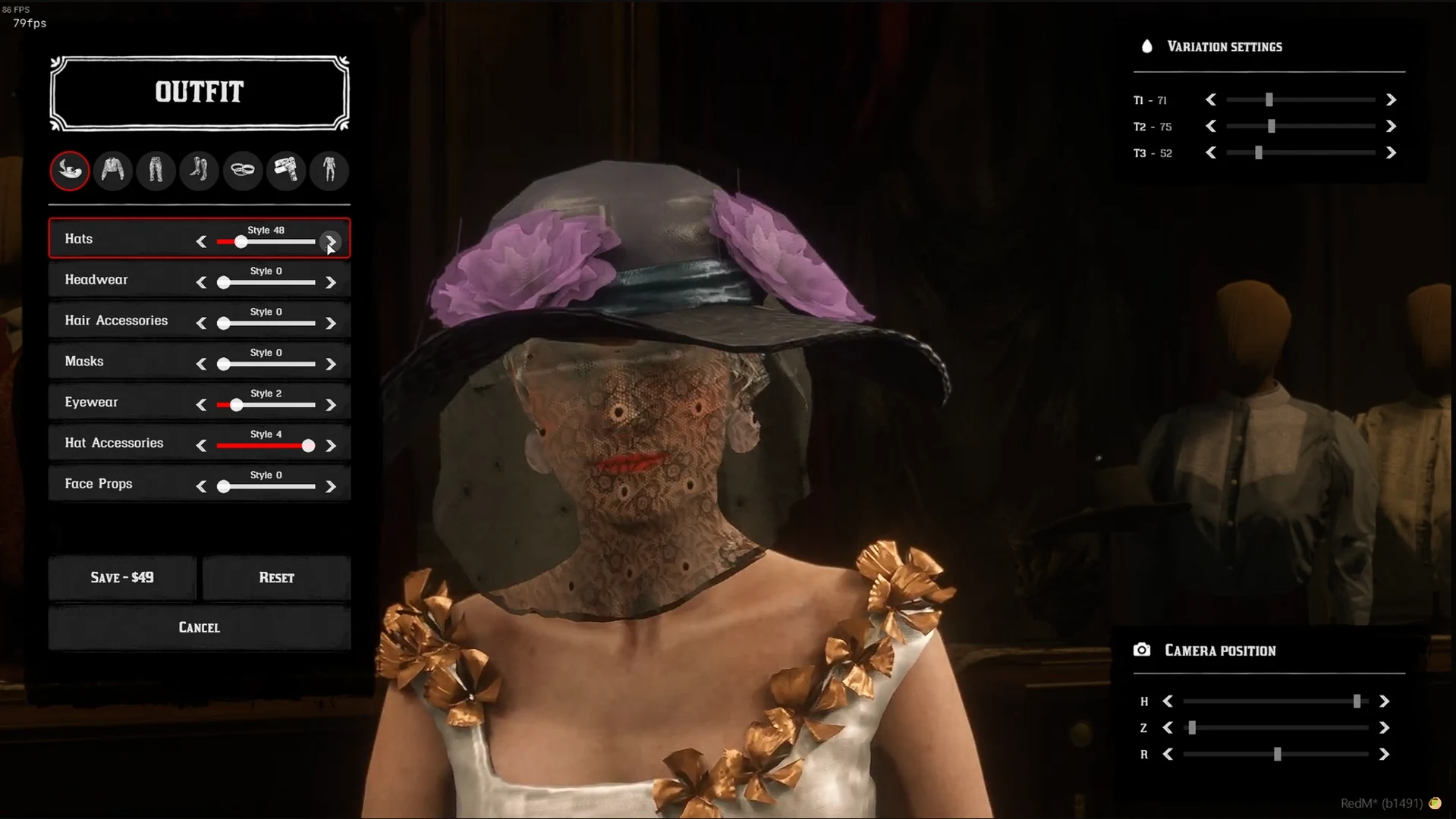
Source: storefront gallery. These images show the source presentation; interface details and displayed values may differ in your installed version. Select an image to enlarge it.
Single Item Categories
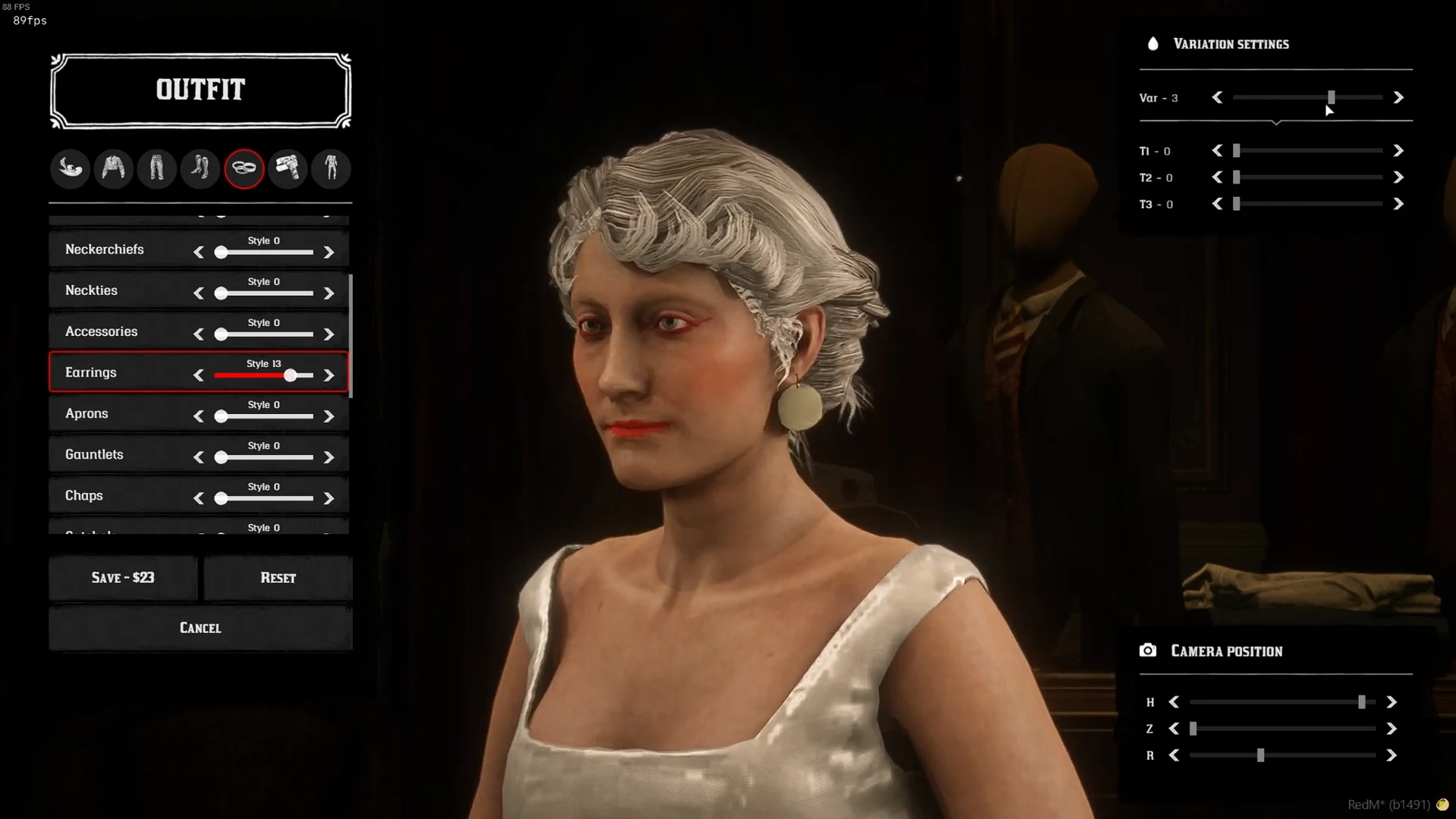
Some clothing items can be equipped independently:
- Rings
- Glasses
- Hats
- Accessories
Example:
Job-Locked Categories
Certain clothing categories are restricted to specific jobs:
- Jewelry rings (Jeweler job)
- Special profession-specific accessories
Example:
Temperature System
Clothing provides temperature protection:
- Warm items (coats, gloves) protect against cold
- Light items (skirts) help in hot weather
- Layering provides increased protection
Outfit Management
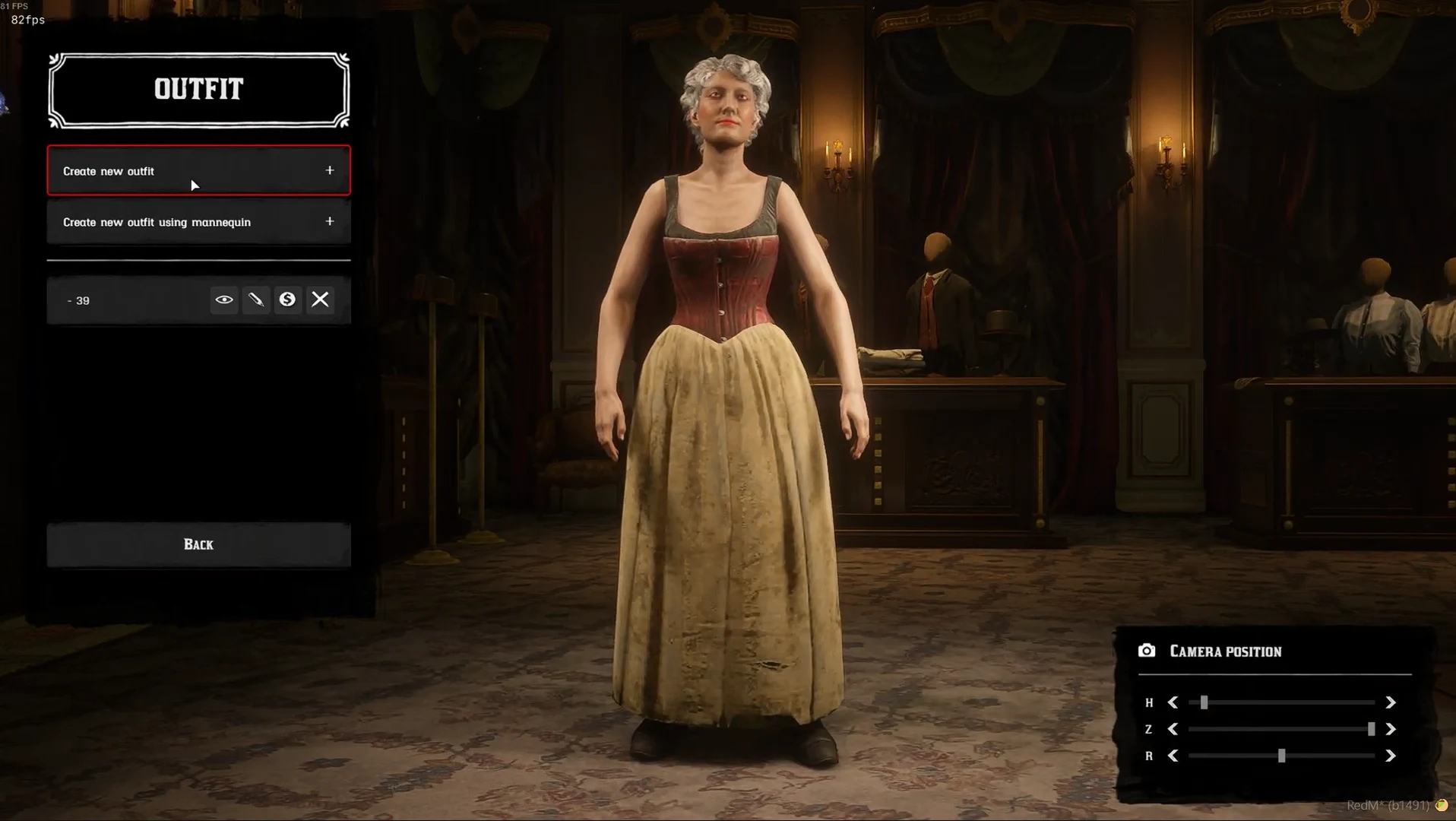
- Modify entire outfits or individual pieces
- Save and load custom outfits
- Use
/loadclothescommand to restore saved outfits
Clothing Shops
Available in multiple locations:
- Saint-Denis Tailor
- Other pre-configured shop locations
Tips
- Use keybinds (F1) to quickly access clothing management
- Check temperature protection when selecting outfits
- Experiment with different clothing combinations
Last updated: September 9, 2026