RedM documentation
Murphy's Camp
Features
Camp Mechanics
How camp system works
Overview
Murphy's Camp allows players to create personalized camp locations with various features and management options.
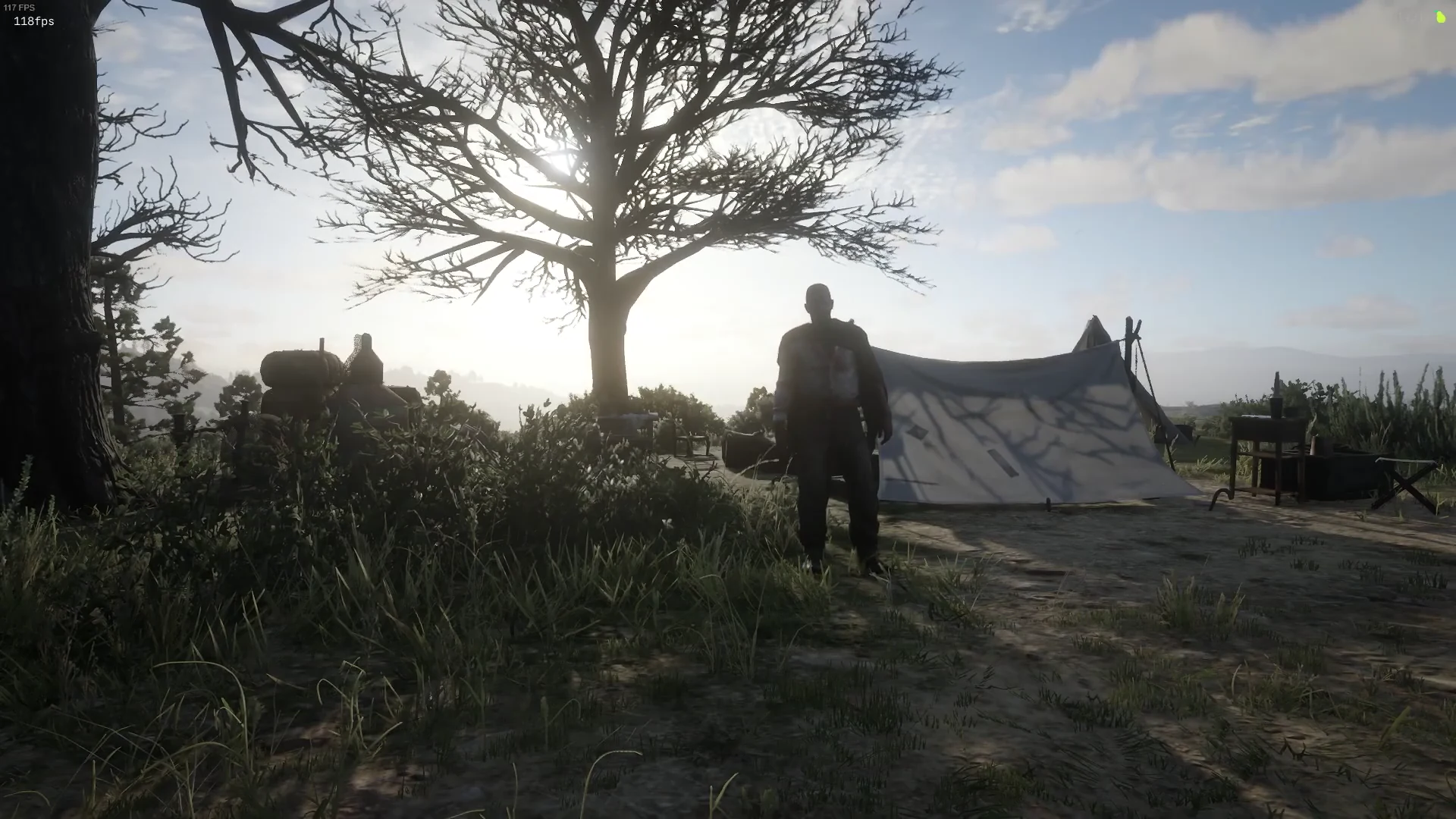
Source: storefront demonstration. These images show the source presentation; interface details and displayed values may differ in your installed version. Select an image to enlarge it.
Camp Placement
- Maximum of 2 camps per player
- Cannot place camps in certain cities (Annesburg, Blackwater, Saint Denis, etc.)
- Minimum 50.0 units distance between camps
- Requires an empty stable to create a camp
Campfire Types
Players can choose from multiple campfire styles:
- Base Campfire: Small, 3-item storage
- Fire Scrub: Medium, 4-item storage
- Advanced Campfire: Large, 5-item storage
- Crackhead Campfire: Extra Large, 6-item storage
Fuel System
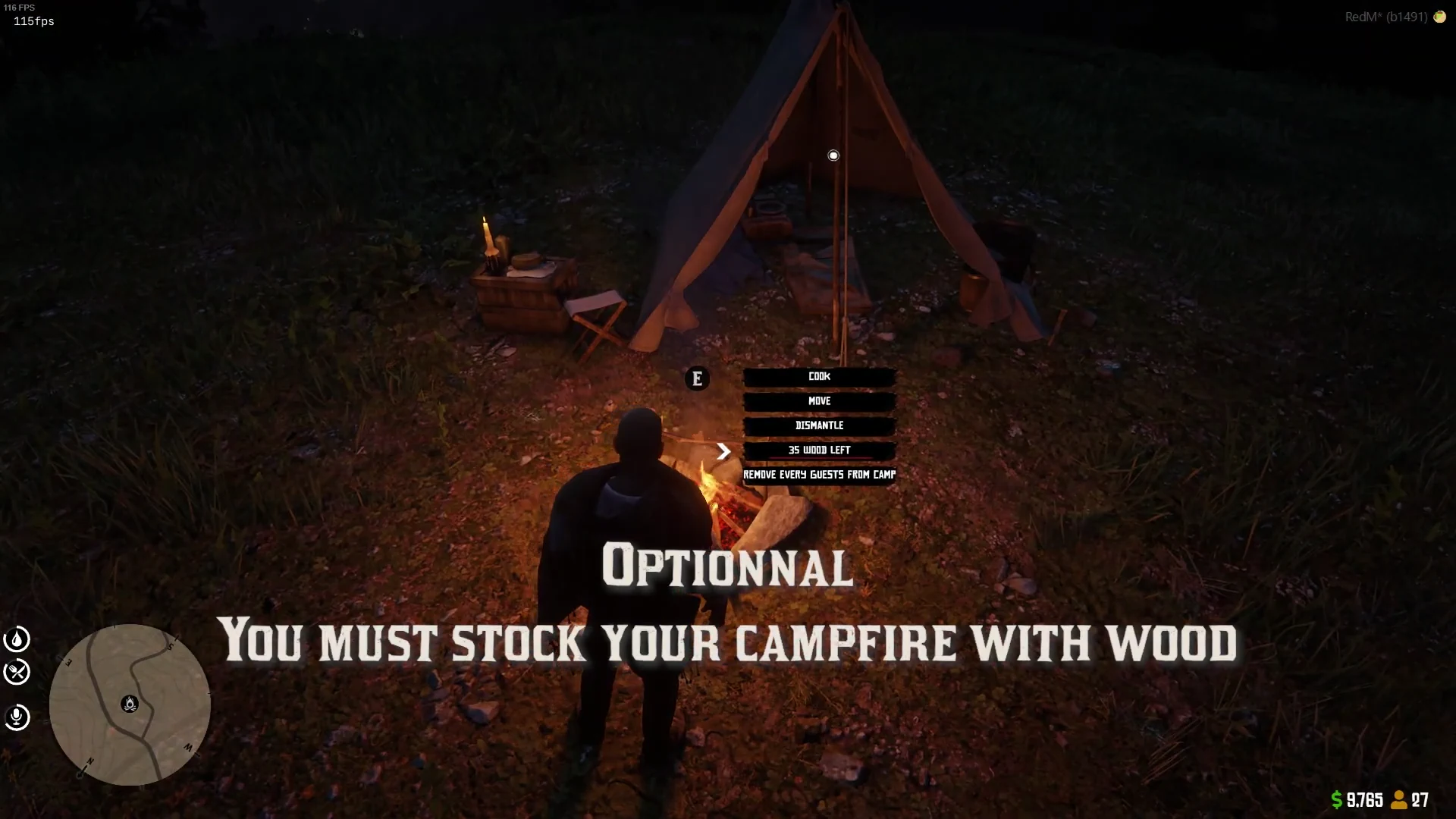
- Fuel is managed using wood items
- Maximum fuel storage: 14 items
- Two fuel consumption modes:
- Hourly consumption
- Daily consumption (one item per day)
- Camp will be deleted if no fuel remains
Camp Decay
- Decay system is optional
- When enabled, camps require regular fuel maintenance
- Without fuel, the entire camp will be deleted
Camp Management
- Invite guests using
/inviteguestcommand - Remove guests using
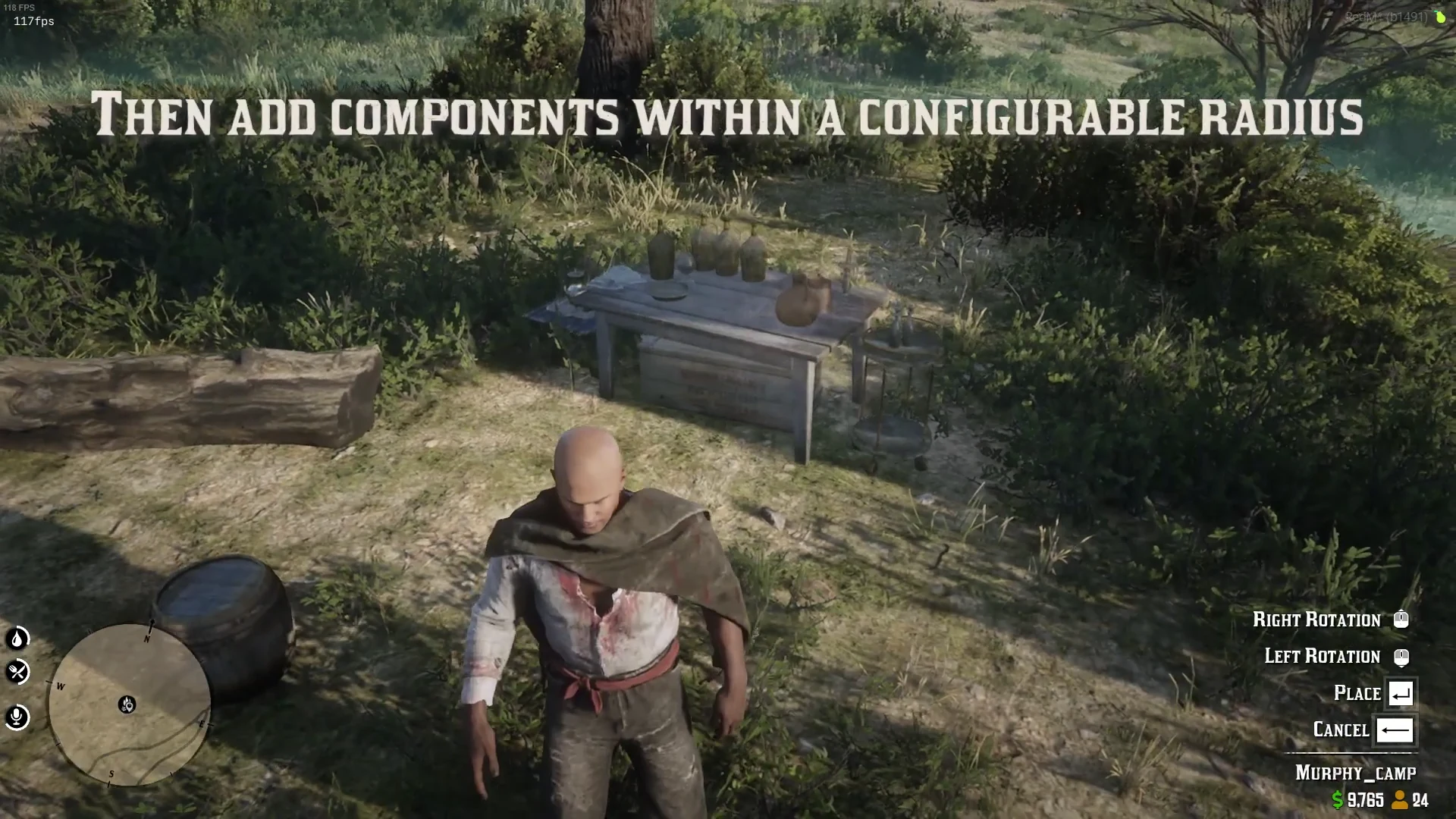
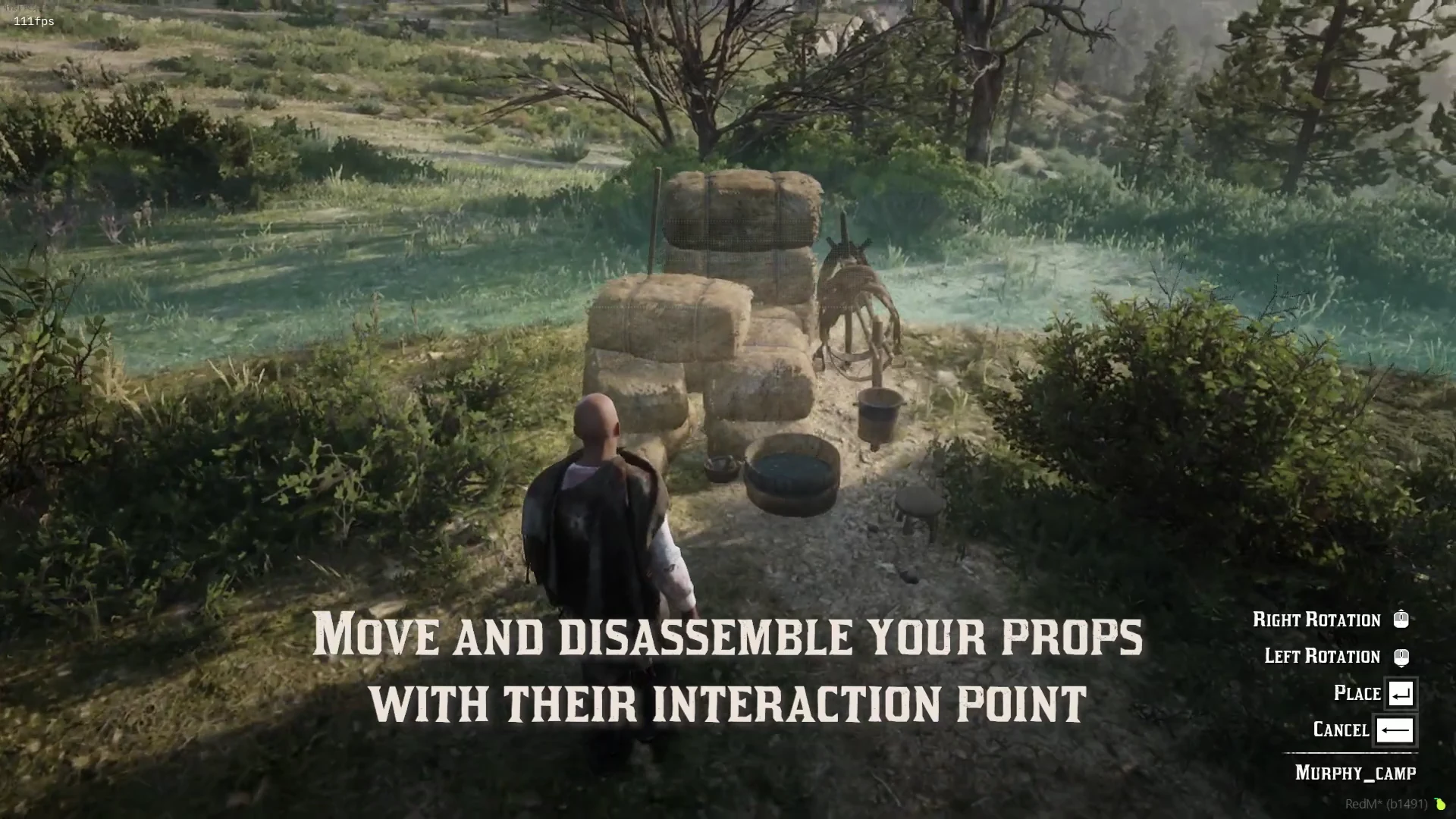
/removeguestcommand - Can place furniture and tents around the campfire
Additional Features
- Campfire smoke effect
- Camp display distance of 150.0 units
- Optional lockpicking mechanics
Example Campfire Placement
Last updated: September 9, 2026