RedM documentation
Murphy's Barber
Features
Customization
Character appearance customization options
Murphy's Barber offers comprehensive character appearance editing options for server owners and players. This documentation covers the various customization features available in the barber shop.
Overlay Types
The plugin supports multiple overlay categories that can be enabled or disabled through the config.lua file. Available overlay types include:
Makeup Options:
- Eyeliners
- Eye Shadows
- Blush
- Foundation
- Lipsticks
Skin Modifications:
- Scars
- Acne
- Freckles
- Moles
- Spots
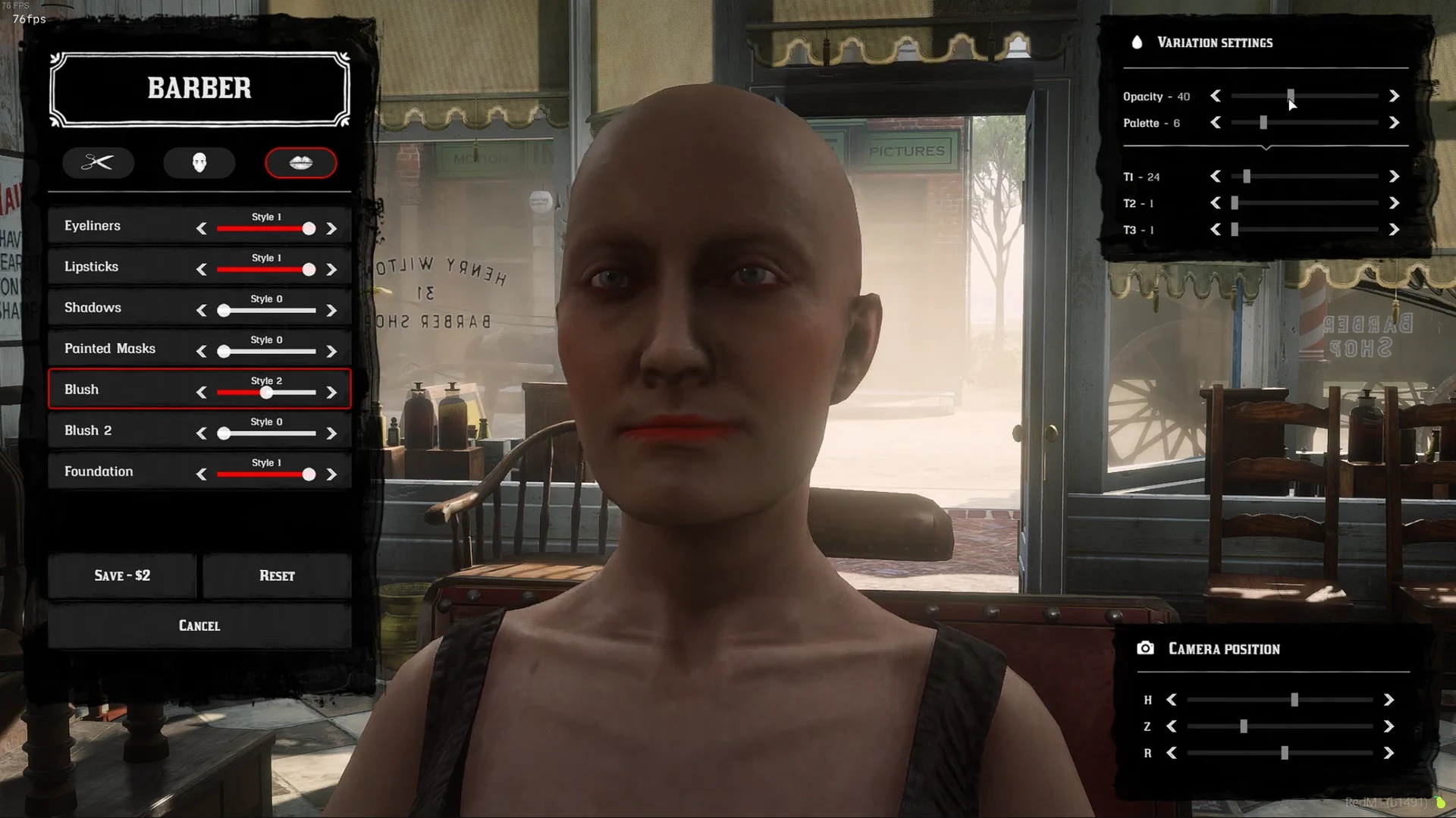
Source: storefront gallery. These images show the source presentation; interface details and displayed values may differ in your installed version. Select an image to enlarge it.
Configuration
To enable or disable specific overlay types, modify the Config.Overlayitems section in config.lua:
Pricing
Each customization option has a configurable price. Adjust prices in the Config.Price section:
Camera Controls
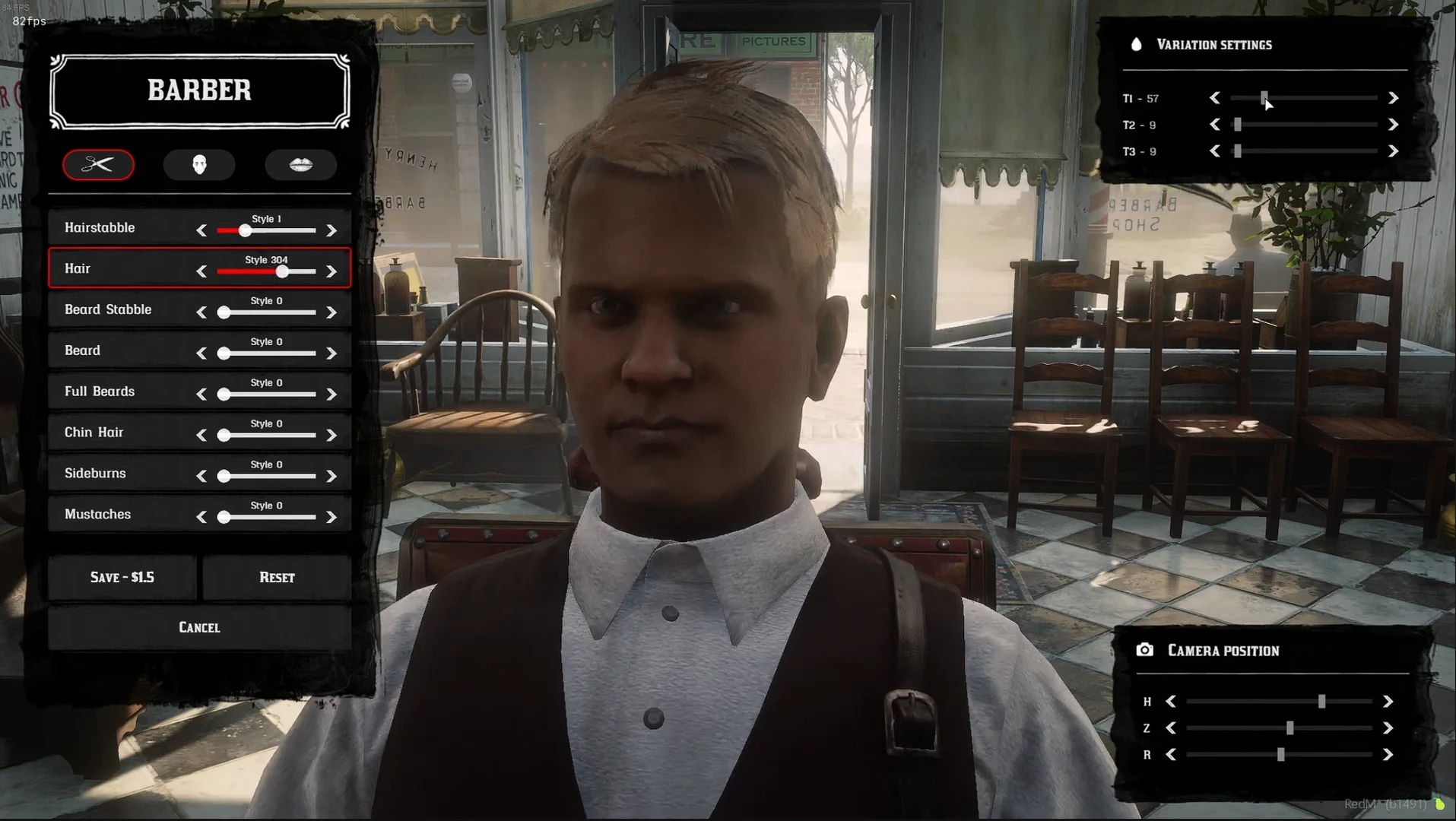
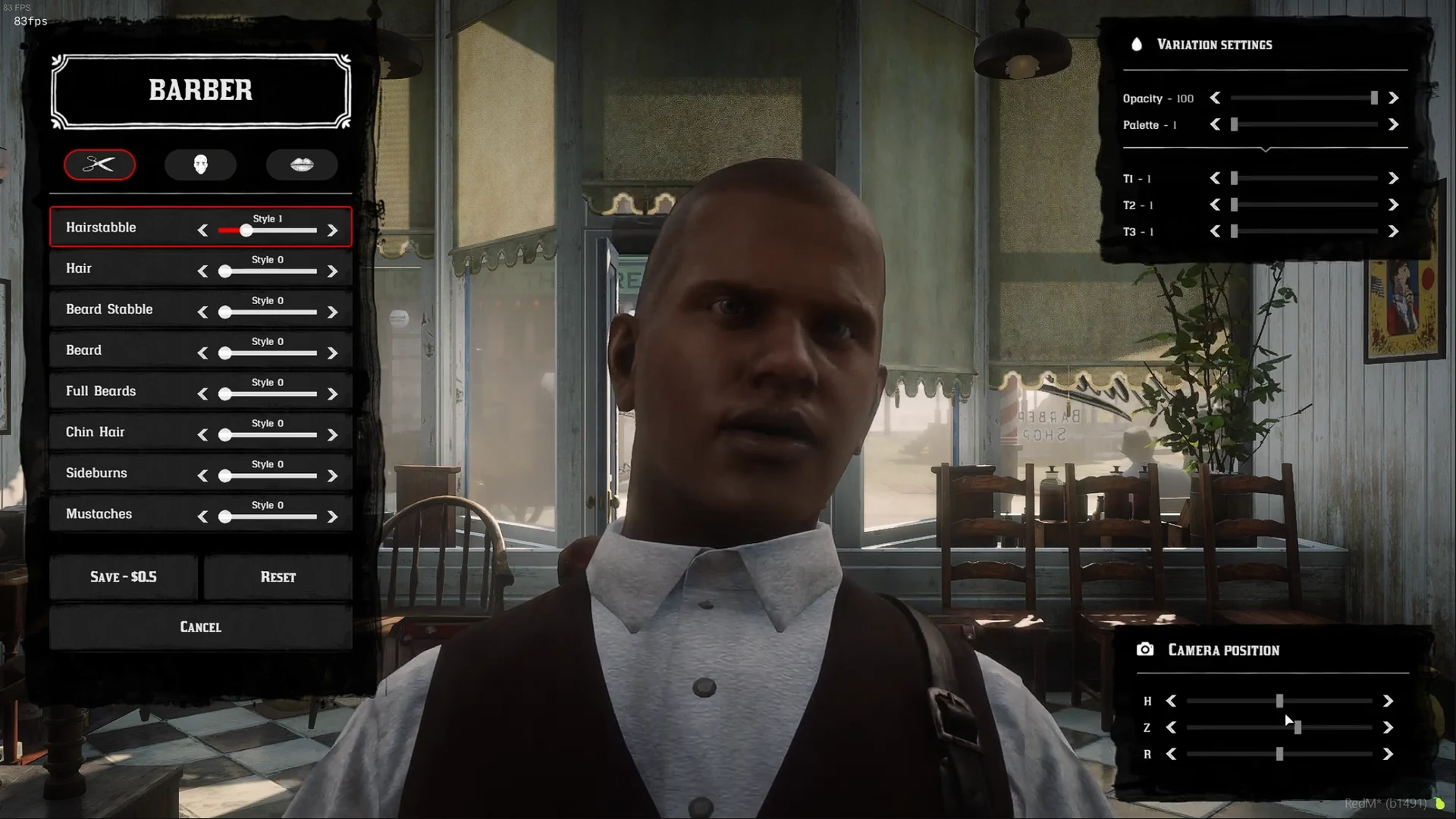
Players can adjust camera angles and zoom when editing their appearance:
- Horizontal Rotation (H)
- Vertical Zoom (Z)
- Rotation (R)
Barber Shop Locations
Barber shops are pre-configured with specific coordinates in Config.Shops. You can add or modify shop locations as needed.
Important Notes
- Ensure your chosen framework is correctly set in
Config.framework - Use
Config.MenuCommandto set a custom command for opening the barber menu - Some overlay types are disabled by default and can be enabled as desired
Last updated: September 9, 2026