RedM / FiveM documentation
Murphy’s Platform
Connected plugins
How plugin connections work
Connect owned Murphy plugins so Platform can surface their supported data and actions.
Murphy’s Platform can connect compatible Murphy plugins into one staff workflow. A connection does not install a plugin and does not include its licence: you must own and install each plugin separately before Platform can read its data or send supported actions.
From an installed resource to a staff tool
Owned server resource
Installed with its official name
dependencies and database ready
started on FXServer
Platform bridge
Resource presence detected
records synchronized
role permissions applied
Staff experience
Player tabs
server workspaces
Live Map layers
permitted in-game actions
The murphy_platform resource checks which supported resources are running and reports that presence to the workspace. Platform then replaces preview content with synchronized server data and exposes the related pages, player tabs, map layers, and actions allowed by the staff role.
For example:
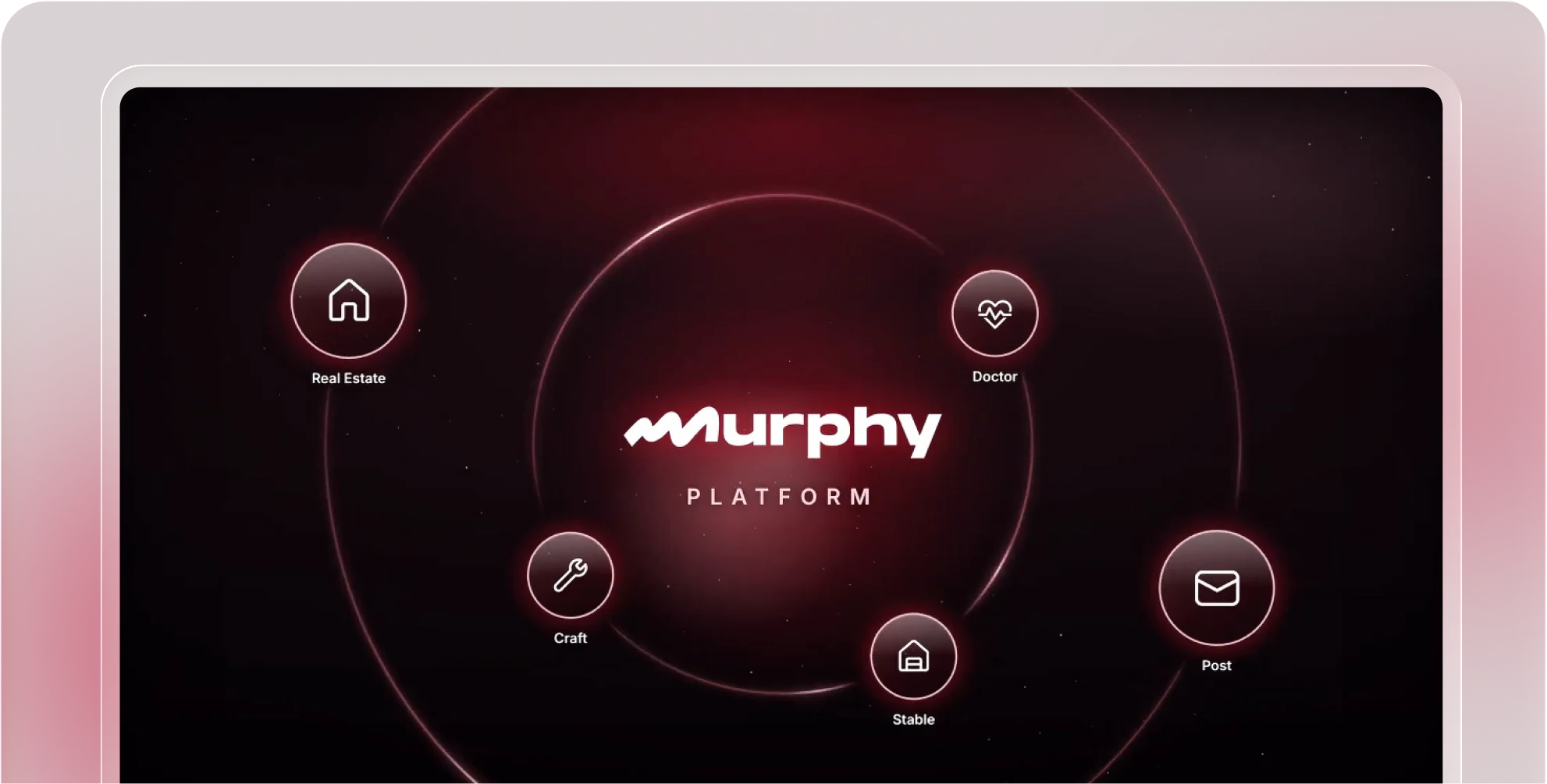
murphy_realestateadds player property records and the property layer on Live Map.murphy_doctoradds health, conditions, and consultation history to a selected character.murphy_postadds the Post workspace and character mail records.
Core player identity, sessions, position, moderation, and framework character data come from murphy_platform itself. They do not require one of the paid plugins listed in this section.
- Install the pluginComplete its dependencies and database setup.
- Keep the official nameNames such as `murphy_craft` and `murphy_post` are part of automatic detection.
- Start it before PlatformPut the plugin above `murphy_platform` in `server.cfg`.
- Wait for detection and syncRestart, then allow the first script and data synchronization to finish.
- Verify the staff surfaceOpen the related page, player tab, map layer, or in-game panel.
- Check the roleIf only one staff member cannot see it, inspect their Platform permissions.
Presence only confirms that the resource is running. A page can still be empty until the plugin has created records, at least one relevant character has been synchronized, and the corresponding data sync has completed.
When a module is missing, check the exact resource name and FXServer state first. When the module appears but contains stale data, check that plugin's sync and the most recent Platform activity instead of reinstalling the whole connection.
Last updated: September 11, 2026