RedM / FiveM documentation
Murphy’s Platform
Administration
Danger Zone
Understand the consequences before deleting or disconnecting a server workspace.
Danger Zone contains irreversible or high-impact server workspace actions. It is available only to the owner.
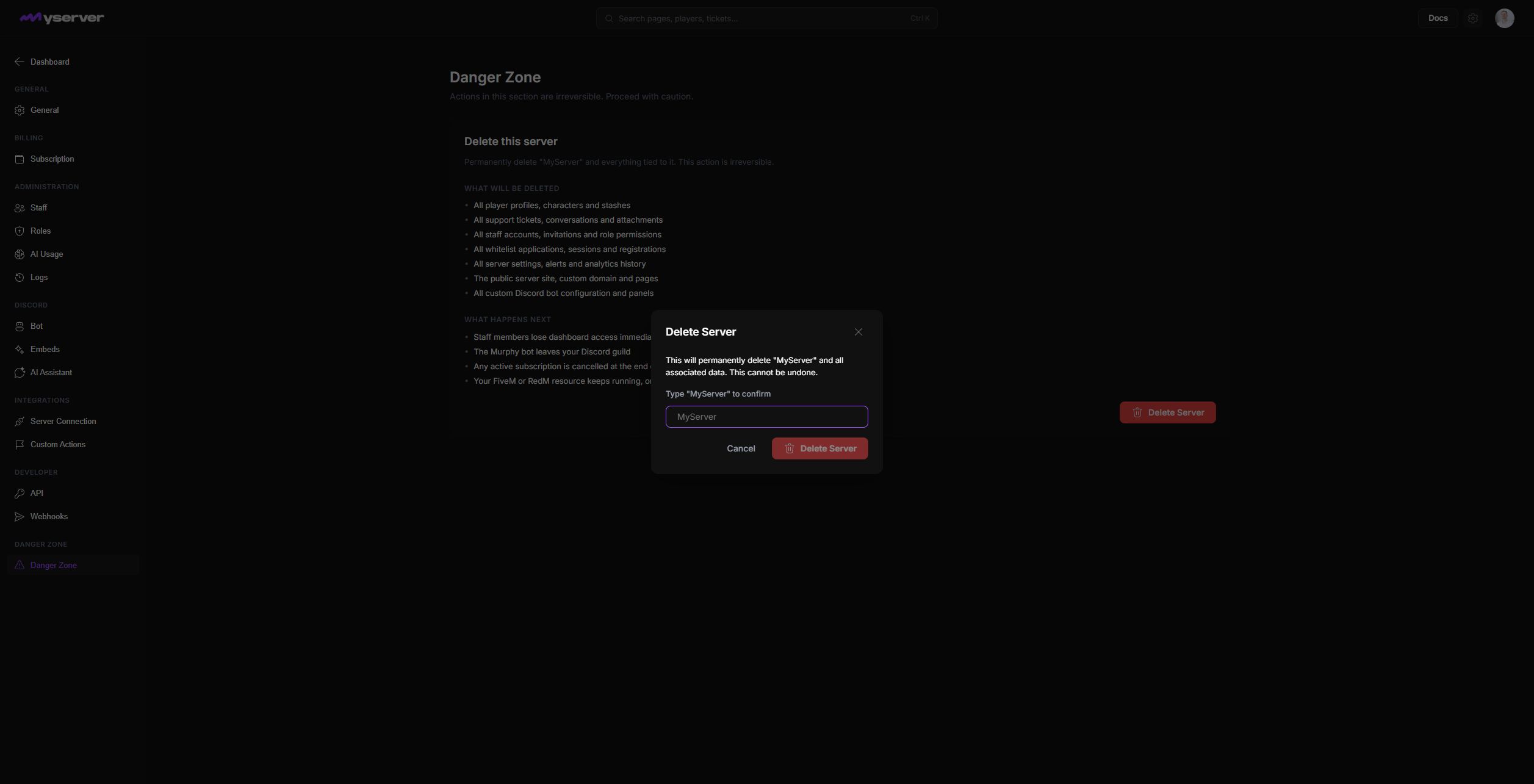
Read every consequence and prepare the exit
The page lists the records that will be removed and what happens afterward. Selecting Delete Server opens a confirmation dialog but does not delete immediately. The final button stays disabled until the owner types the exact server name, such as MyServer.
Deletion removes Platform-side player data, tickets, staff, whitelist records, settings, analytics history, public-site data, and Discord configuration. Staff lose access, Murphy Bot leaves the guild, and the subscription reaches its stated cancellation outcome. The FiveM or RedM resource can keep running, but its Platform workspace is gone.
Do not treat deletion as a troubleshooting step.
- Confirm the exact server workspace and owner account.
- Export or record any data the team must retain.
- Notify affected staff.
- Cancel or move dependent integrations and public links.
- Review the active subscription.
- Stop the server resource or replace its configuration when required.
Prefer a reversible change
Disable a workflow, revoke a key, remove a staff member, unpublish a site, or disconnect an integration when that solves the problem without deleting the entire workspace.
Use Danger Zone only when the intended outcome is permanent and the recovery plan is understood.
Last updated: September 11, 2026