RedM documentation
Murphy's Telegram & Mail
Getting Started
Installation
Telegram & Mail: Prepare the resource, check dependencies and database setup, then verify the installed version step by step.
Requirements
- oxmysql (database driver)
- murphy_interact (3D interaction targets)
- One supported framework:
- REDEMRP +
redemrp_inventory+murphy_notify - RSG-Core +
rsg-inventory+ox_lib - VORP +
vorp_inventory+vorp_core
- REDEMRP +
Step 1 - Database
The database tables are created automatically on first startup. No manual SQL import required.
If you prefer to create them manually, the schema is available in sql/murphy_post_schema.sql.
Tables created
| Table | Purpose |
|---|---|
post_documents |
Stores all letters and telegrams |
post_inbox |
Delivery queue per character |
post_contacts |
Favorite contacts per character |
Step 2 - Register inventory items
Add these two items to your framework's item registry:
| Item name | Label | Type | Weight |
|---|---|---|---|
post_letter |
Letter | item_standard | 0.1 |
post_telegram |
Telegram | item_standard | 0.1 |
REDEMRP
Add to your redemrp_inventory items table:
RSG-Core
Add to rsg-core/shared/items.lua:
VORP
Add to your items database table:
Step 3 - Configure framework
Open config/config.lua and set your framework:
Step 4 - Add to server.cfg
Make sure murphy_post starts after your framework and inventory resources.
Step 5 - Start server
Start your server. On first boot:
- Database tables are auto-created
- NPC clerks spawn at configured post office locations
- The resource is ready to use
Verify installation
- Check the server console for:
[murphy_post] Using <framework> adapter for murphy_post - Visit any post office location in-game and interact with the NPC
- If
Config.DevMode = true, you'll see detailed debug logs in the console
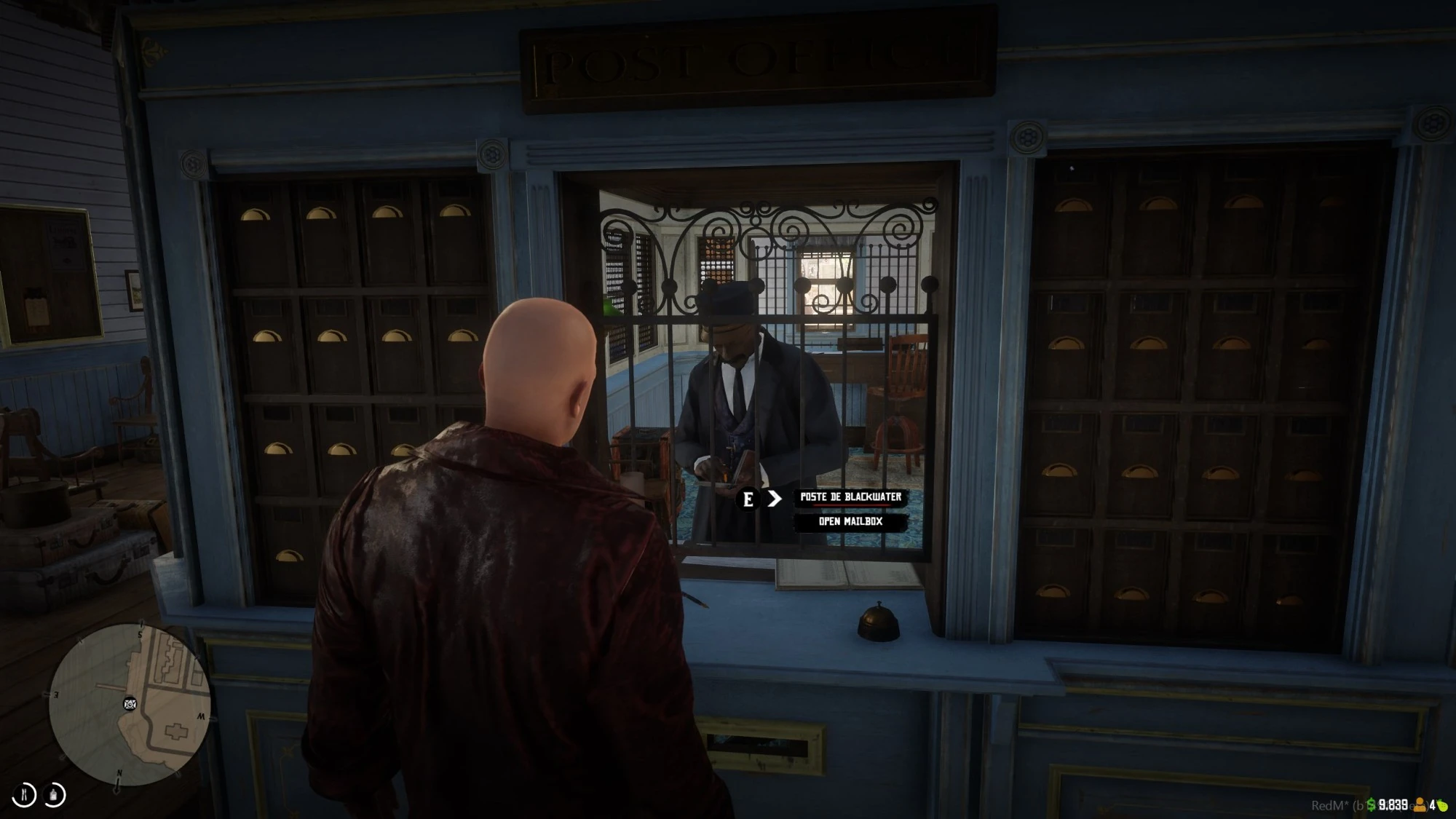
Source: storefront gallery. These images show the source presentation; interface details and displayed values may differ in your installed version. Select an image to enlarge it.
Item names
You can customize the inventory item names in config/config.lua:
Release-specific installation checks
The clerk is absent but the post office still works
The public 1.22.0 release adds the per-office setting disableNpc = true in Config.PostOffices; pnj = false has the same documented effect. The interaction, map blip, and menu remain available. Check those settings before treating the missing clerk as a failed installation. This behavior is version-specific.
A recipient with a compound name cannot be found
The public 1.11.0 notes identify a fix for names with spaces. The 1.13.0 notes additionally describe case-insensitive and accent-tolerant name resolution. Record the installed version and test a harmless example before changing player records.
These findings come from Versions on the Telegram / Mail product page, consulted 9 September 2026. They are release-note references, not new in-game test results.
Last updated: September 9, 2026