RedM documentation
Murphy's Telegram & Mail
Advanced
Templates & Stationery
Templates let you define custom stationery for letters and telegrams, optionally locked to specific jobs. All template images go in the ui/templates/ folder.
Letter templates
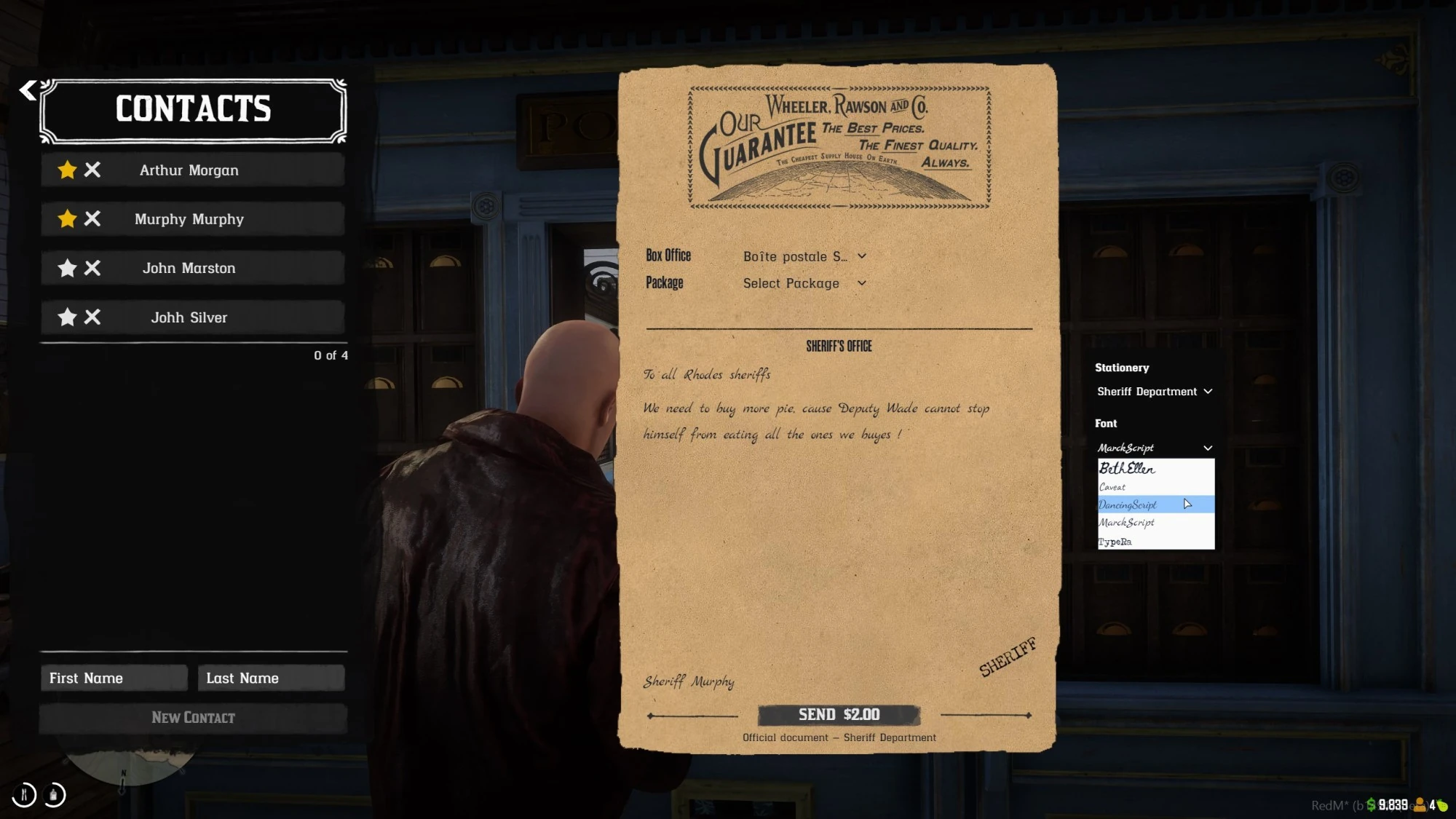
Source: storefront gallery. These images show the source presentation; interface details and displayed values may differ in your installed version. Select an image to enlarge it.
Config structure
Layout
Image specifications
| Asset | Dimensions | Format | Notes |
|---|---|---|---|
| Background | 1202 x 1840 px | PNG (RGBA) | Full page texture, portrait. Keep it subtle. |
| Header | 604 x 244 px | PNG | Wide banner, aspect ratio ~2.5:1. |
| Stamp | 200-250 x 200-250 px | PNG (RGBA) | Roughly square, use transparency. |
Example: job-locked letter template
Players with the sheriff or marshal job will see "Sheriff Department" as a stationery option.
Telegram templates
Config structure
Layout
Image specifications
| Asset | Dimensions | Format | Notes |
|---|---|---|---|
| Background | 920 x 601 px | PNG (RGBA) | Full background, landscape. |
| Border | 920 x 601 px | PNG (RGBA) | Same dimensions. Decorative frame with transparent center. |
Example: job-locked telegram template
General notes
- Job filtering:
jobs = {}means everyone can use the template. Otherwise, only players with a matching job see it in the dropdown. - Dropdown visibility: the stationery selection panel only appears when more than one template is available to the player.
- Stored in DB: only the
template_idis saved per document. If you update a template's images or texts, all past documents using that template will display the new version. - Fallback: if a template image file is missing, the UI falls back to the default built-in assets.
- File format: always use PNG. RGBA (with transparency) is recommended for stamps and borders.
- Fonts are configured separately via
Config.Fonts- see Configuration.
Last updated: September 9, 2026