RedM documentation
Murphy's Safe
Features
Interactions
How to interact with safes
Murphy's Safe provides multiple ways to interact with safes in your world. This guide covers the essential interaction methods for server owners.
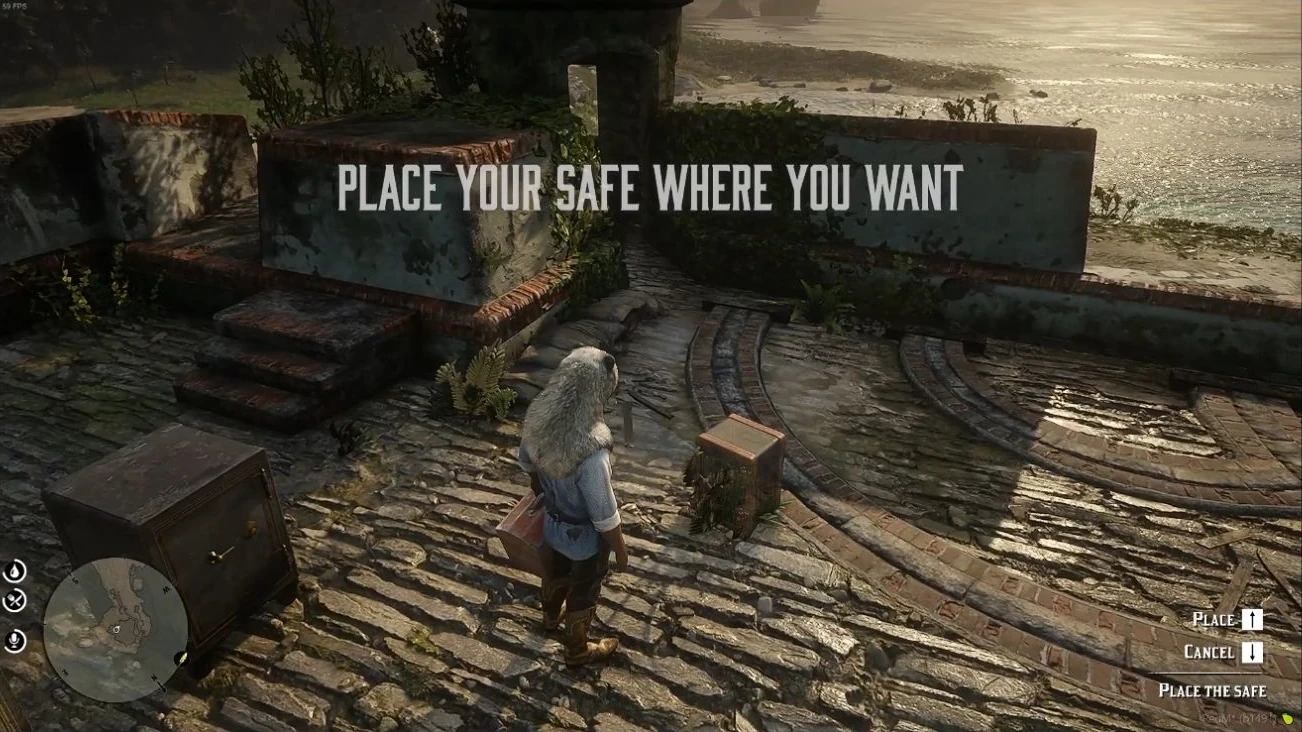
Source: storefront demonstration. These images show the source presentation; interface details and displayed values may differ in your installed version. Select an image to enlarge it.
Opening a Safe
To open a safe, follow these steps:
- Approach a safe within 1.7 meters
- A prompt will appear with interaction options
- Press the designated "Open" key
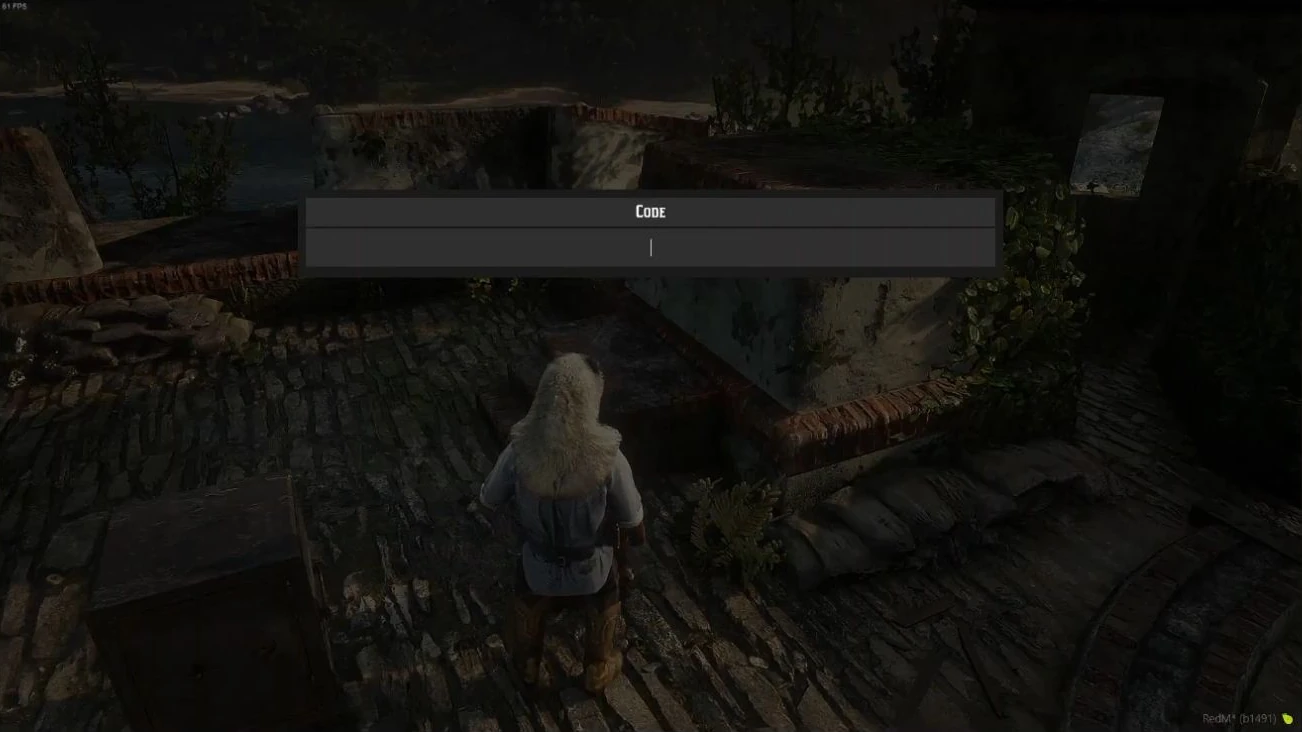
- Enter the safe's code when prompted
- If the code is correct, the safe will open
Breaking a Safe
Safes can be broken in two primary ways:
Breaking with Lockpick
- Available for chest and armoire safes
- Requires a lockpick item
- Press and hold the "Break" key near the safe
Breaking with Dynamite
- Available for small and medium safes
- Requires dynamite item
- Dynamite requirements:
- Small safe: 1 dynamite
- Medium safe: 2 dynamite
- Press and hold the "Break" key near the safe
Managing a Safe
When near a safe, you can:
- Change the safe's code
- Disassemble the safe
- Press the "Manage" key to access these options
Admin Commands
Admins can use the safecode command to instantly view the code of the nearest safe.
Interaction Keybinds
Place/Open: Primary interaction keyCancel/Manage: Secondary interaction keyBreak: Breaking/force entry key
Important Notes
- Different safe types have different breaking methods
- Large safes cannot be broken
- There's a 10-minute delay after a safe is opened before it can be interacted with again
Last updated: September 9, 2026