RedM documentation
Murphy's Rumors
Features
Rumors System
Rumors: Understand sharing, timing, nearby NPC display and the forbidden-word filter.
How a rumor travels
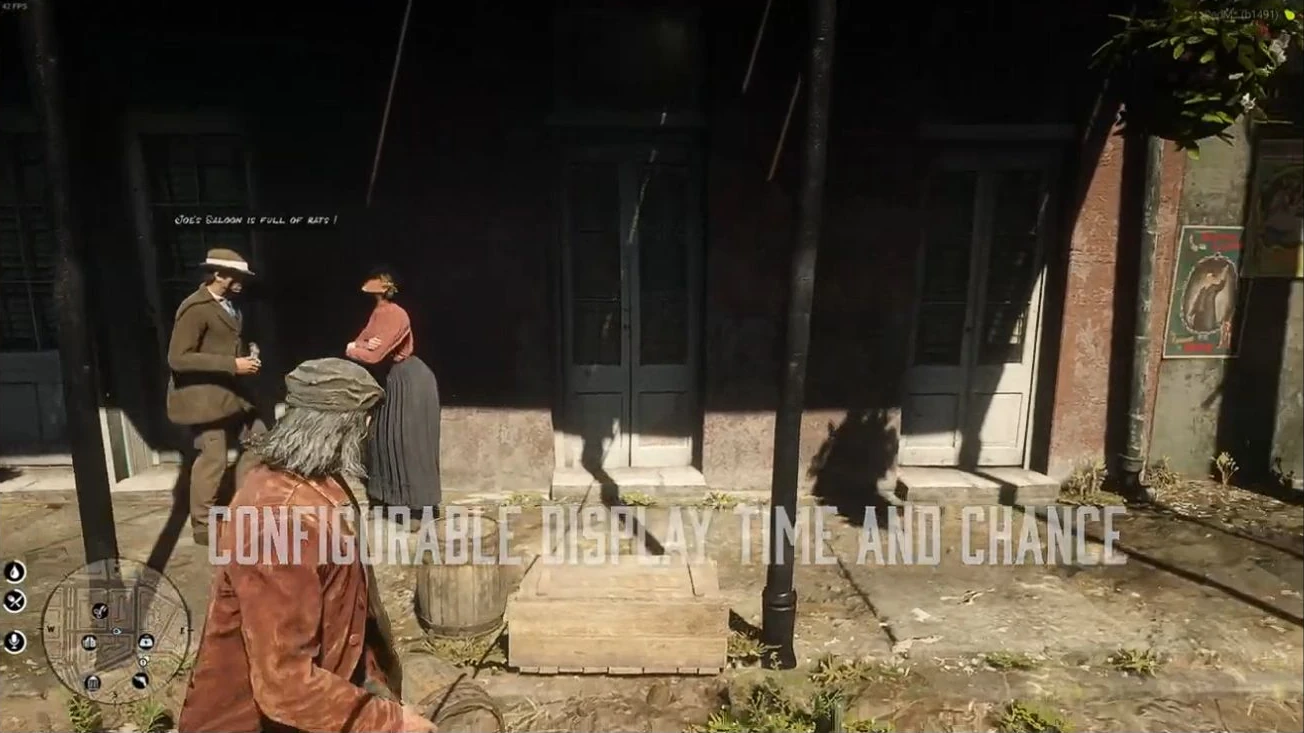
Players share rumor text through the configured interaction locations. Accepted rumors are stored, collected by clients during their periodic refresh, and displayed above nearby eligible NPCs.
This is player-supplied rumor text. The resource does not need an invented automatic text generator or an undocumented pool of predefined rumors to explain this workflow.
Sharing
- Visit a location configured in
Config.ShareRumorSpot. - Use the interaction offered by your installed resource.
- Enter a harmless rumor and submit it.
- Check the result and allow for both the initial delay and a client refresh before expecting nearby display.
The normal sharing flow uses Config.RumorPrice. From 1.2.0, Config.BlacklistedWords can reject text before saving or charging.
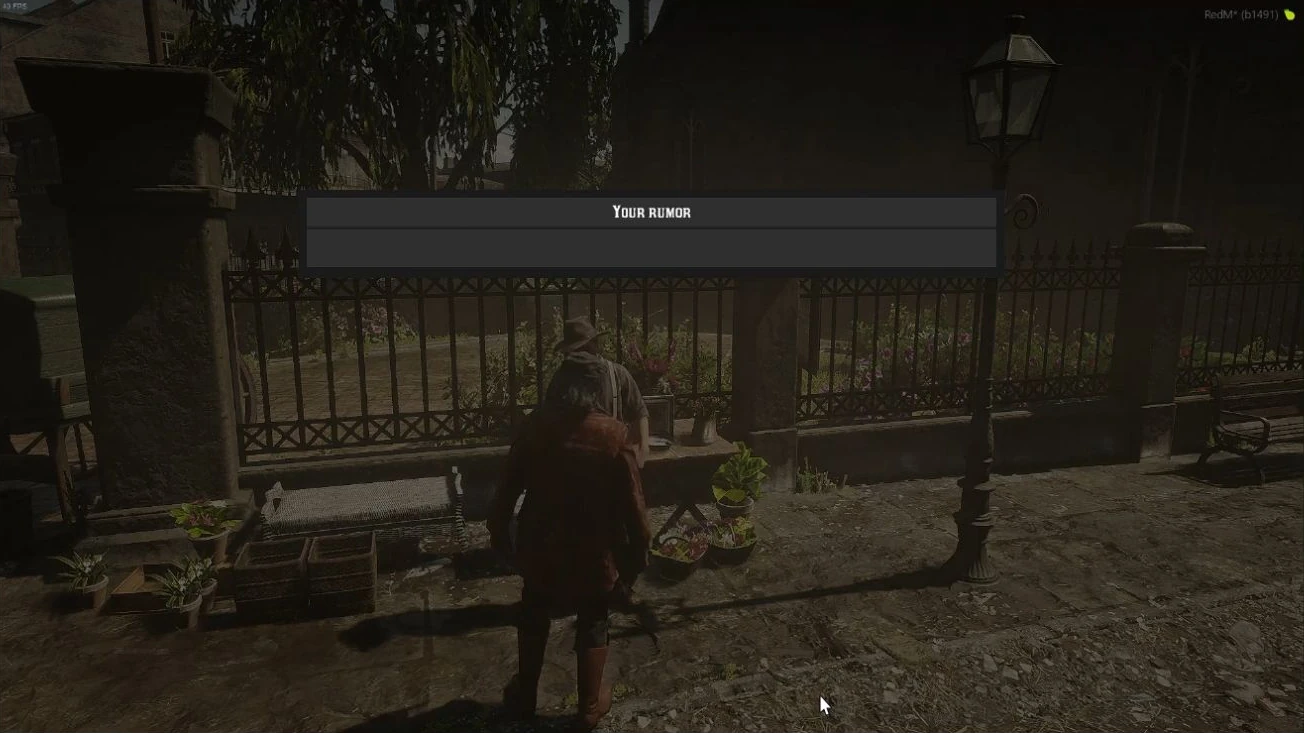
Source: storefront demonstration. These images show the source presentation; interface details and displayed values may differ in your installed version. Select an image to enlarge it.
Timing and display
| Setting | Role |
|---|---|
Config.DelayBeforeDisplay |
Initial delay in seconds. |
Config.RefreshRumors |
Client refresh interval in milliseconds. |
Config.Rumorstime |
Stored rumor lifetime in minutes. |
Config.DisplayDistance |
Nearby NPC display distance. |
Not every nearby NPC is guaranteed to display a rumor. The previous fixed 50% statement is not a verified release-wide probability and should not be used to diagnose a missing message.
For exact setting names and example units, use Configuration. For the existing event flow, use Events.
Verify on your server
Test one accepted rumor and one deliberately rejected by a harmless blacklist entry. Record the version, settings, location, and observation time. A sharing notification alone is not proof that another client has already fetched and displayed the rumor.
The public Rumors release notes describe the 1.2.0 blacklist behavior. No in-game validation is claimed by this article.
Last updated: September 9, 2026