RedM documentation
Murphy's Clothing
Advanced
F1 Menu Customization Guide
This guide explains how to customize the quick clothing management menu (F1 by default) in murphy_clothing.
Overview
The F1 menu allows players to quickly toggle clothing items on/off without opening the full clothing shop. By default, it provides grouped buttons to remove items from different body parts.
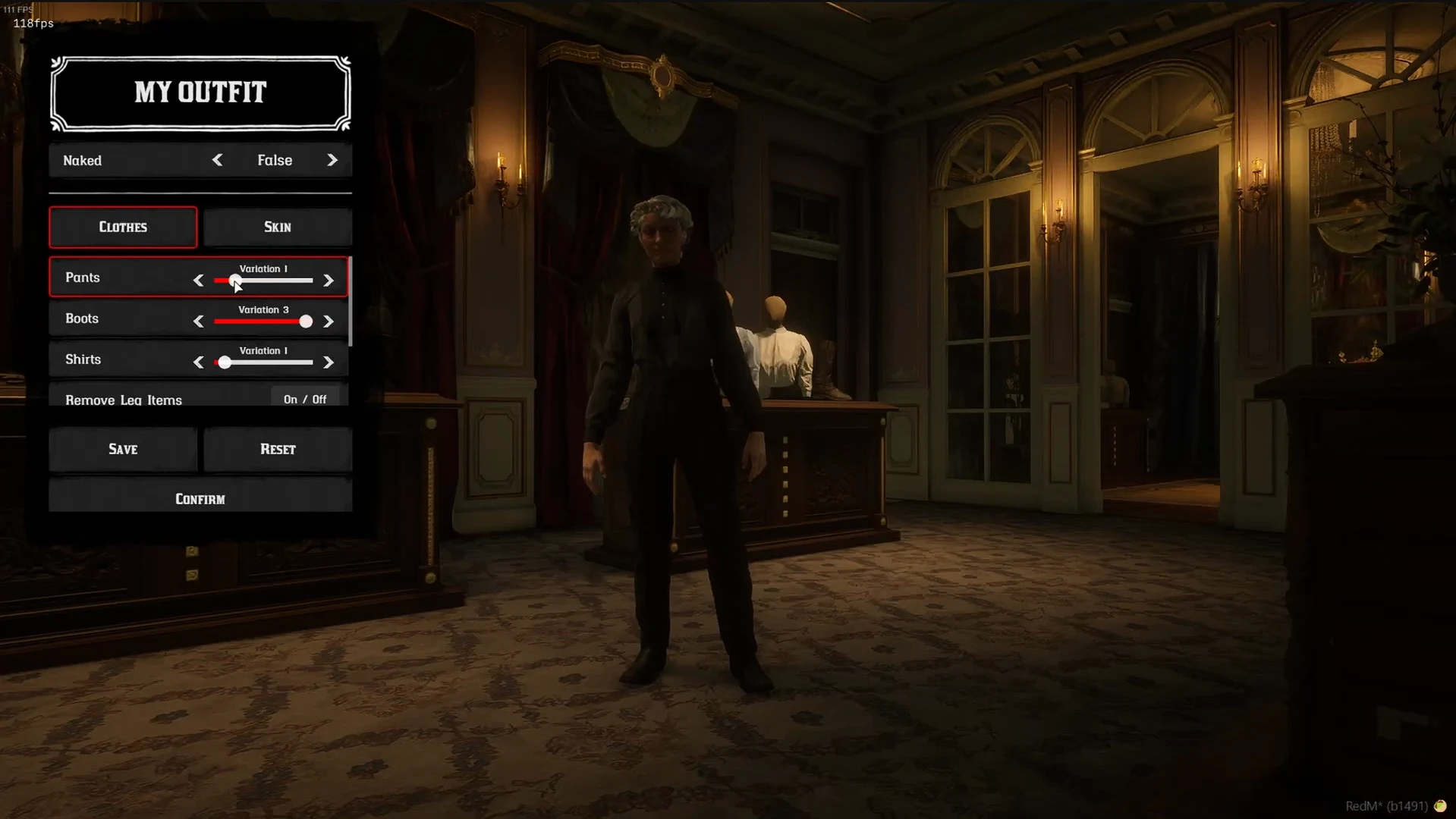
Source: storefront gallery. These images show the source presentation; interface details and displayed values may differ in your installed version. Select an image to enlarge it.
Configuration Location
All F1 menu configuration is done in shared/config.lua in the Config.Removecategories table.
How It Works
The Config.Removecategories table defines button groups. Each group:
- Has a key (e.g.,
head,neck) that identifies the button - Has a value which is a table of clothing categories that will be toggled when the button is pressed
- Only appears if the player is wearing at least one item from the listed categories
When a player clicks a button, all categories in that group are toggled on/off.
Default Configuration
Customization Examples
Example 1: Add a Separate "Hat Only" Button
If you want a button that only toggles hats (not masks, eyewear, etc.):
Then add the button label in shared/lang.lua:
Example 2: Add a "Mask Only" Button
Add label in shared/lang.lua:
Example 3: Add an "Eyewear" Button (Glasses)
Add label in shared/lang.lua:
Example 4: Separate Coat and Vest Buttons
Add labels in shared/lang.lua:
Example 5: Add a "Jewelry" Button
Add label in shared/lang.lua:
Example 6: Remove a Button Entirely
Simply remove the entry from Config.Removecategories. For example, to remove the weapons button:
Available Clothing Categories
Here is the complete list of clothing categories you can use:
Head
hats- Hatsmasks- Masksmasks_large- Large Maskseyewear- Eyewear/Glassesheadwear- Headwearface_props- Face Propshat_accessories- Hat Accessories
Neck
neckties- Necktiesneckwear- Neckwearneckerchiefs- Neckerchiefs
Torso
coats- Coatscoats_closed- Closed Coatscoats_heavy- Heavy Coatsvests- Vestsshirts_full- Shirtssuspenders- Suspendersponchos- Ponchoscloaks- Cloaksoveralls_full- Overallsoveralls_modular_uppers- Modular Overalls Upperunionsuits_full- Union Suitsshirts_full_overpants- Overshirtsshawls- Shawls (Female)corsets- Corsets (Female)chemises- Chemises (Female)capes- Capes (Female)
Lower Body
pants- Pantsskirts- Skirtsspats- Spatsbelts- Beltspants_accessories- Pants Accessoriesdresses- Dressesoveralls_modular_lowers- Modular Overalls Lowerknickers- Knickers (Female)
Feet
boots- Bootsboot_accessories- Boot Accessorieschaps- Chapsaprons- Aprons
Hands
gloves- Glovesgauntlets- Gauntletswrist_bindings- Wrist Bindings
Weapons
gunbelts- Gunbeltsholsters_right- Right Holstersholsters_left- Left Holstersholsters_knife- Knife Holstersholsters_crossdraw- Crossdraw Holstersholsters_center- Center Holstersholsters_quivers- Quiversgunbelt_accs- Gunbelt Accessoriesloadouts- Loadoutsammo_pistols- Pistol Ammo
Accessories
accessories- General Accessoriesbadges- Badgessatchels- Satchelsarmor- Armorjewelry_necklaces- Necklacesjewelry_bracelets- Braceletsjewelry_rings_left- Left Hand Ringsjewelry_rings_right- Right Hand Ringsjewelry_earrings- Earringsbelt_buckles- Belt Bucklesankle_bindings- Ankle Bindingscoat_accessories- Coat Accessoriesvest_accessories- Vest Accessories
Changing the Keybind
You can change the F1 menu keybind in shared/config.lua:
Common Virtual Key Codes
| Key | Code |
|---|---|
| F1 | 0x70 |
| F2 | 0x71 |
| F3 | 0x72 |
| F4 | 0x73 |
| F5 | 0x74 |
| F6 | 0x75 |
| F7 | 0x76 |
| F8 | 0x77 |
| F9 | 0x78 |
| F10 | 0x79 |
For more keycodes, see: https://learn.microsoft.com/en-us/windows/win32/inputdev/virtual-key-codes
Important Notes
Button Visibility: Buttons only appear if the player is currently wearing at least one item from the listed categories.
Toggle Behavior: Clicking a button toggles the items on/off. If items are equipped, they will be hidden. Click again to show them.
Language File: Always add a corresponding label in
shared/lang.luafor any new button you create, using the format["Remove_buttonname"] = "Button Label".Category Names: Category names must match exactly (case-sensitive) with the internal category names listed above.
Restart Required: After modifying the config, restart the resource for changes to take effect.
Last updated: September 9, 2026