RedM / FiveM documentation
Murphy’s Platform
Start here
Platform overview
Understand what Murphy’s Platform connects and where each daily workflow lives.
Murphy’s Platform is the operating dashboard for a FiveM or RedM community. It brings live server data, player operations, support, applications, commerce, communication, and administration into one workspace.
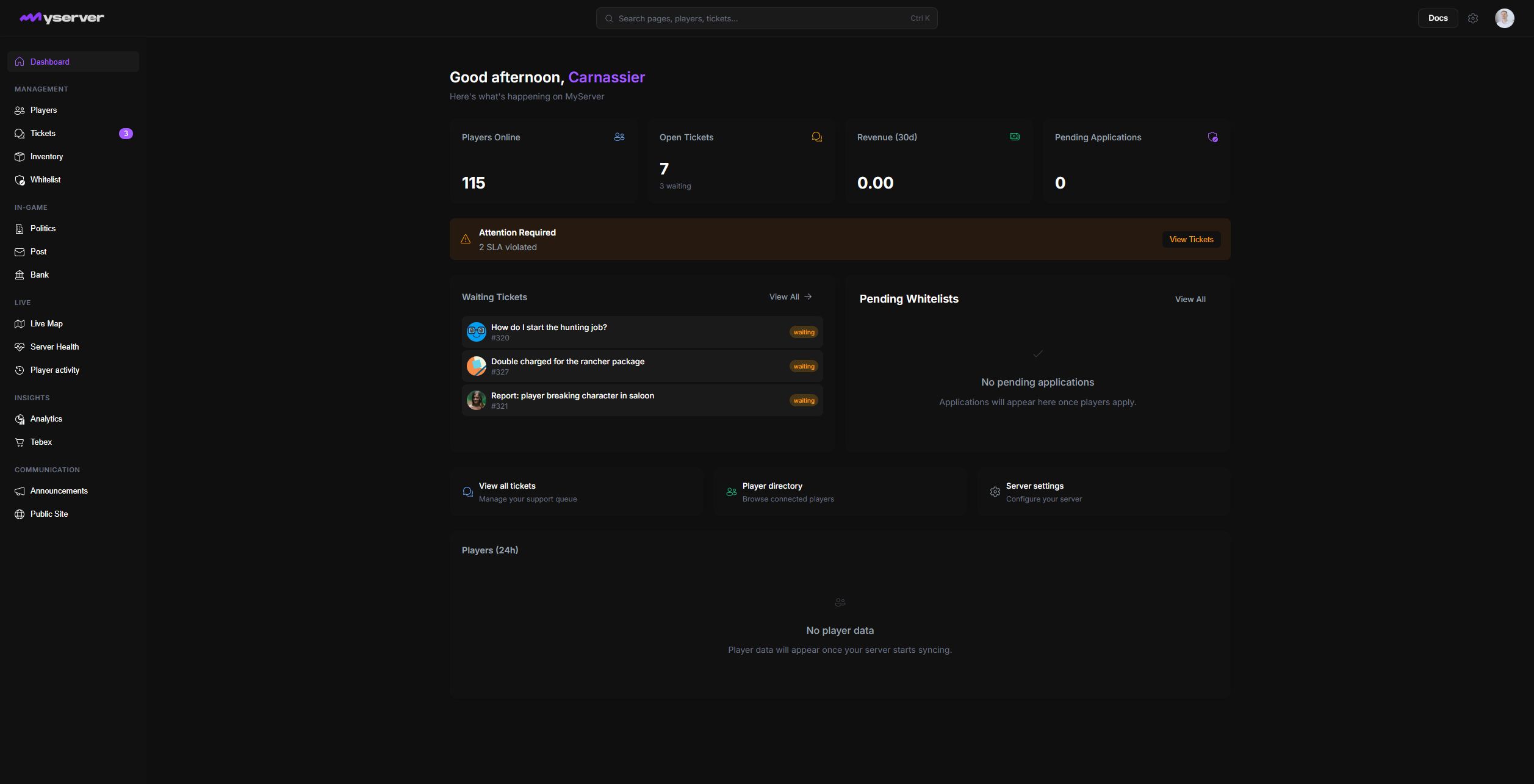
One workspace, three operating surfaces
Platform keeps the same server identity, permissions, and synchronized data across the dashboard, Discord, and the in-game admin menu. Webba ID identifies staff; players keep using the game server, Discord, application form, and public site without needing a dashboard account.
Connected sources
FiveM or RedM server
Discord guild
compatible Murphy plugins
Murphy’s Platform
One server workspace
shared identity and permissions
synchronized operational data
Working surfaces
Web dashboard
Discord bot
in-game admin menu
The murphy_platform server resource sends heartbeats, player sessions, positions, and supported in-game data. The Discord connection handles tickets, whitelist flows, announcements, role delivery, embeds, and the AI assistant. Tebex, API keys, webhooks, and the public site can then extend this core workspace when the community needs them.
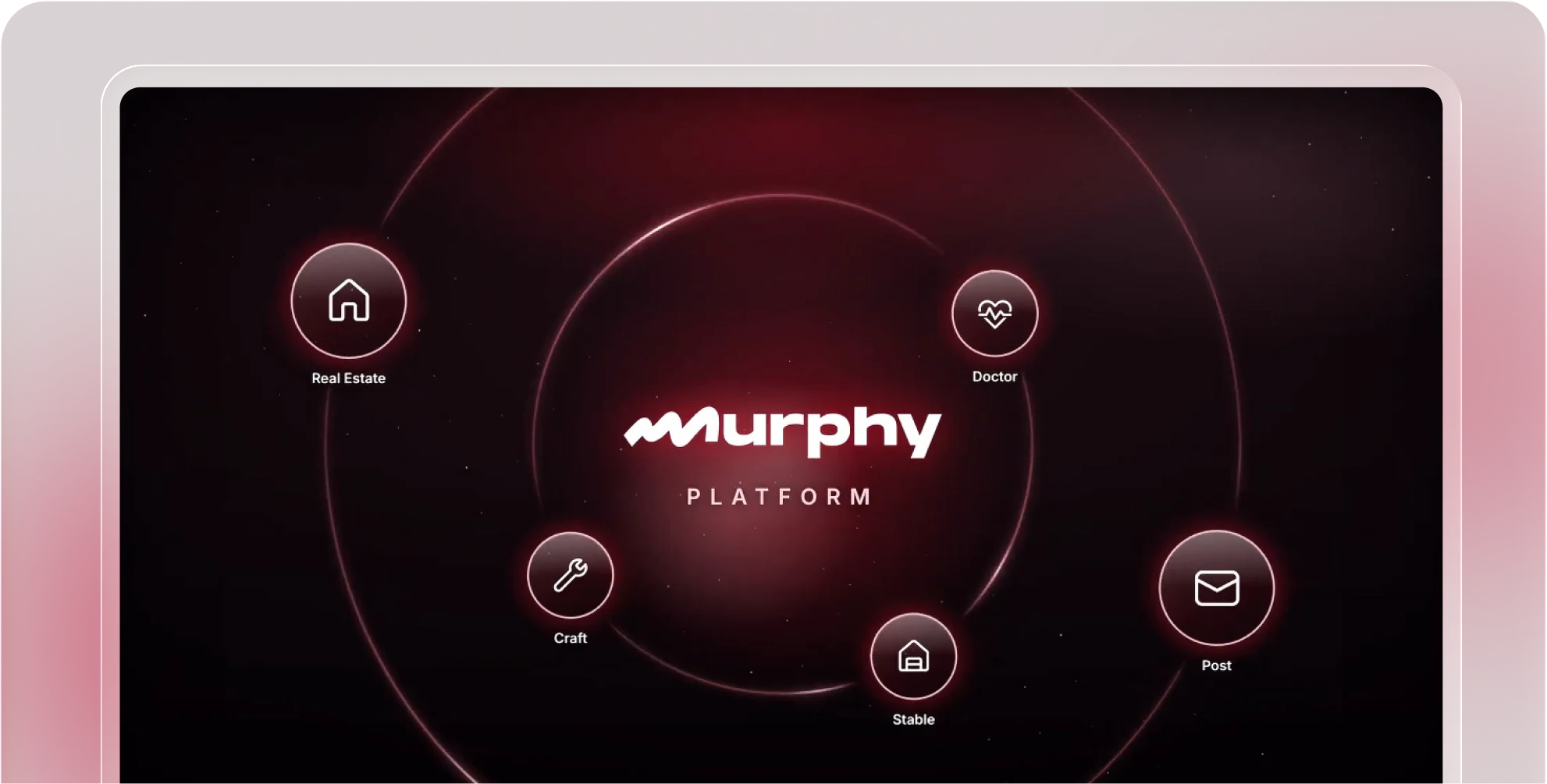
Start with the core operating loop
- Connect the serverInstall the resource and verify the first heartbeat.
- Connect DiscordAuthorize the bot, choose the guild, channels, and roles.
- Give staff accessInvite the team and assign the smallest useful permissions.
- Run daily workUse Players, Tickets, Inventory, and Whitelist as the primary queues.
- Add specialist modulesEnable monitoring, commerce, automation, and connected plugins when needed.
The main sidebar follows that work: Management contains the daily queues; In-game exposes Politics, Post, and Bank; Live covers the map, health, and player activity; Insights contains analytics and Tebex; Communication contains announcements and the public site. Open Settings from the top navigation for staff, roles, billing, Discord, integrations, developer access, and server controls.
The server name, logo, accent color, and available navigation can differ from the MyServer screenshots because each workspace has its own branding, plan, installed scripts, and permissions.
Last updated: September 11, 2026