RedM documentation
Murphy Notify
Getting Started
Overview
Overview for Murphy Notify.
Notifications that fit RedM
Murphy Notify displays short messages using the game's notification styles: tips, objectives, location announcements and notifications with an icon. Other resources choose when a message appears and supply its text.
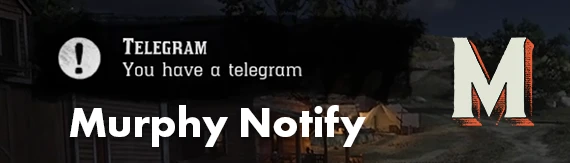
Notification example from the original Murphy Notify store artwork.
Choose the right message
| What the player needs | Suitable notification |
|---|---|
| A brief confirmation or instruction | Tooltip |
| The next task to complete | Objective |
| A title with supporting text | Top notification |
| An announcement tied to a place | Location notification |
| An item or activity message with an icon | Advanced notification |
| A short message on the right | Simple right text |
The calling resource controls the wording and display time, so each message can fit the action the player just performed.
Install it as a dependency
If another Murphy script lists Notify as a dependency, install it once and start it before that script. You do not need to paste notification examples into every resource.
Start with Installation and First Notification. For missing messages, icons or untranslated text, see Common Questions.
Last updated: September 15, 2026